

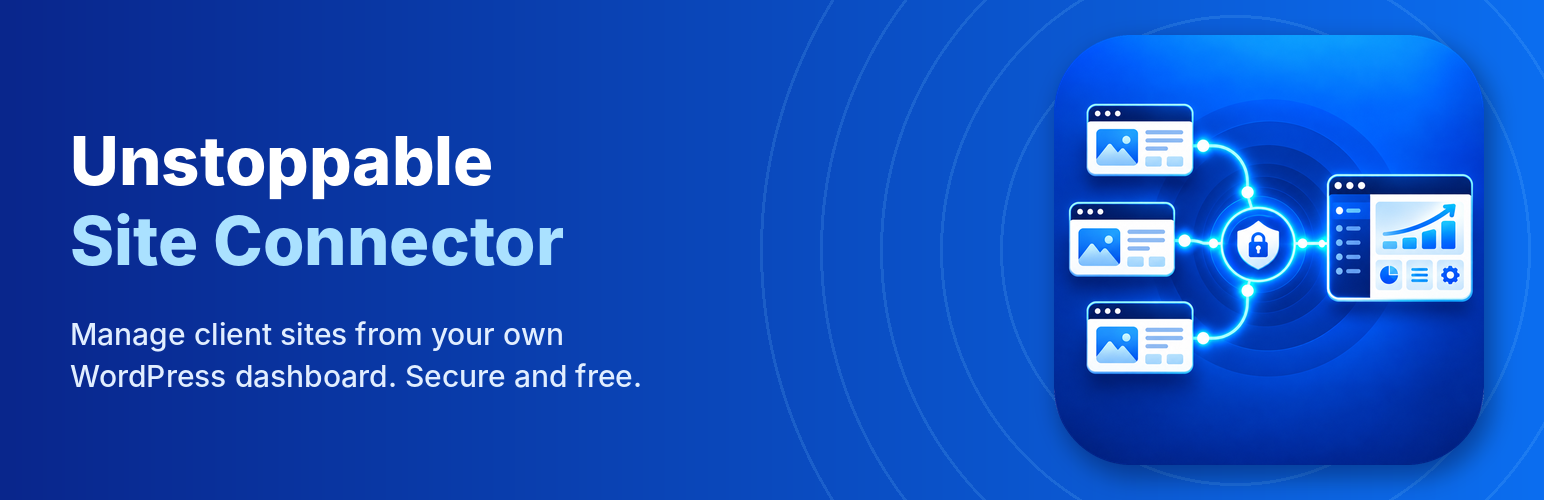
Unstoppable Site Connector
Unstoppable Site Connector links this site to an Unstoppable Site Manager dashboard, which your web designer or agency runs on their own WordPress site (not a service run by Unstoppable Solutions). Connecting delegates administration of this site to whoever runs that dashboard. Once connected, they can:
- see this site’s health: pending updates, WordPress and PHP versions, SSL certificate expiry;
- update WordPress, plugins and themes;
- install, activate, deactivate and delete plugins;
- open this site’s admin area already signed in (one-click sign-in, can be turned off);
- build a monthly care report from this site’s activity log.
How the connection is protected
- No passwords are stored or sent. The site and the dashboard are paired once with a key that works one time and expires after 15 minutes.
- Every request from the dashboard is signed and checked; a request can’t be replayed or used after 5 minutes.
- One-click sign-in links work once and expire after 60 seconds. You can turn it off, or choose which administrator account it uses, under Tools > Unstoppable Site Connector. Because it skips the login form, two-factor checks on the login form don’t apply to it; turn it off if every sign-in must use two-factor.
- Every sign-in from the dashboard is recorded in the activity log.
- Disconnect at any time under Tools > Unstoppable Site Connector.
This site has the last word
The security settings under Tools > Unstoppable Site Connector > Security belong to this site, not to the dashboard. The dashboard can make them stricter, but only an administrator of this site can loosen them.
For the strongest protection, allow only your dashboard’s address, and switch off one-click sign-in and installing plugins from a ZIP file or web address unless you use them: each of those gives whoever controls the dashboard full control of this site.
- Allowed dashboard addresses. Accept dashboard requests only from your dashboard server’s IP address. A request with a valid signature from anywhere else is refused, so a stolen dashboard key is useless elsewhere. The dashboard can set this for you in one click.
- Permissions. Choose what the dashboard may do here: run updates, activate and deactivate plugins, install plugins from WordPress.org, install plugins from a ZIP file or web address, delete plugins, and one-click sign-in.
- Security alert emails. Get an email when the dashboard installs or deletes a plugin, changes these settings or connects, when a correctly signed request is blocked, and (optionally) on every one-click sign-in.
For extra hardening, set the allowed addresses in wp-config.php so they can’t be changed from wp-admin at all: define( 'USCN_ALLOWED_IPS', '203.0.113.10' );. If this site is behind a proxy such as Cloudflare and your host doesn’t pass on the real address, tell the plugin which header holds it: define( 'USCN_CLIENT_IP_HEADER', 'HTTP_CF_CONNECTING_IP' ); (only when the site can only be reached through that proxy).
Previously released as FM Connector. Installing Unstoppable Site Connector on a site that has FM Connector takes over its connection (no re-pairing); you can then deactivate and delete FM Connector.
External Services
The dashboard you connect to. After you paste the connection key into a dashboard, this plugin sends a report to that dashboard’s address hourly and shortly after any change. The report contains: the site’s name and address; WordPress, PHP and server versions; the installed plugins and themes with versions, active state and available updates; SSL certificate expiry; and the activity log (updates, plugin and theme changes, users created or deleted, administrator sign-ins, with usernames). It also answers the dashboard’s signed requests with the same information. Data goes only to the dashboard you paired with, which is run by your web professional, not by Unstoppable Solutions. Disconnect under Tools > Unstoppable Site Connector to stop it.
WordPress.org. When the dashboard asks for updates or installs a plugin from the directory, WordPress downloads it from WordPress.org as it normally would. Privacy Policy.
This site itself (loopback). To run the dashboard’s update checks and updates inside this site’s admin area, the plugin sends a one-time request from this site to its own wp-admin/admin-ajax.php. Nothing leaves the server.
Security alert emails. If alerts are on (Tools > Unstoppable Site Connector > Security), this site sends them with WordPress’s own mail function to the address set there, or the site’s admin email. They include the dashboard’s name, the dashboard username and the IP address of the request.
Plugin ZIPs from your dashboard. When the dashboard installs a plugin that is not from WordPress.org, this site downloads the ZIP from the connected dashboard’s own site, and from nowhere else.
Details
Related plugins
Plugins that also contain the tag agency
Automattic For Agencies Client
Essential Real Estate

ERE Recently Viewed – Essential Real Estate Add-On

ERE Similar Properties – Essential Real Estate Add-On

ERE Colors – Essential Real Estate Add-On

Widgets for Zillow Reviews

About
Plugin for that tries to help you find the WordPress plugin you are looking for.
| Please enjoy an image of Crush (this awesome turtle) and have a lovely day! |  |
We do not own any plugin listed on this site and do not work for or work with WordPress.com or it's associated companies. We simply provide a searchable list of the available WordPress plugins.