


Uplink CSS Columns
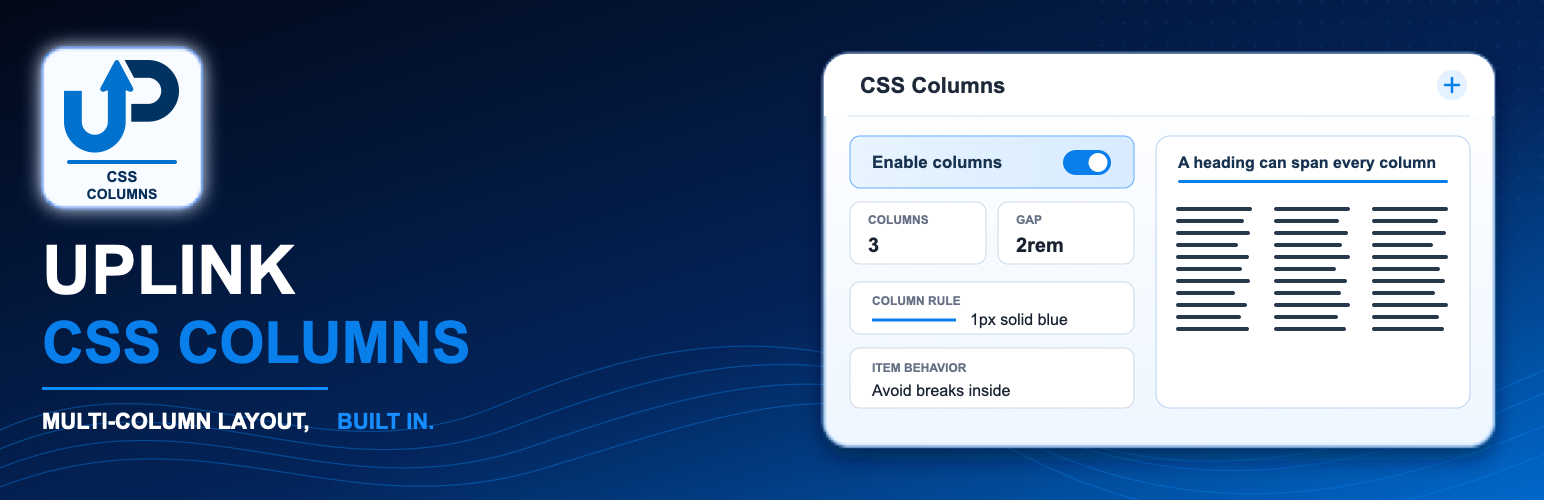
Uplink CSS Columns adds an accessible inspector panel, an editor preview, and
server-rendered front-end styles for CSS Multi-column layouts. It has been tested
with WordPress 7.0.2.
Group, Paragraph, and List blocks receive the complete set of controls. Any
other registered block nested inside a Group receives the Span parent columns
control without receiving unrelated container settings.
Features
- Column count, width, gap, and fill.
- Column rule shorthand, width, style, color, and draft visibility controls.
- Optional padding and margin for the selected multi-column block.
- Draft column height and wrapping controls with editor warnings.
- Column spanning for any registered block inside a Group.
- Break before, break after, and break inside fragmentation controls.
- CSS custom properties and functions such as var(), calc(), min(), max(), and clamp().
- Sanitized server-side output that avoids modifying core block save markup.
- Clear blank/default behavior and examples in control descriptions.
The plugin stores its settings as namespaced block attributes. Front-end
declarations are sanitized and injected during block rendering, which avoids
the block-validation errors caused by changing core block save markup.
The established Level 1 CSS properties have broad browser support. Column
height, column wrap, and column rule visibility are draft features and are
clearly marked as experimental. Unsupported properties are ignored by browsers.
Details


Related plugins
Plugins that also contain the tag blocks
Spectra Gutenberg Blocks – Website Builder for the Block Editor

Kadence Blocks — Page Builder Toolkit for Gutenberg Editor

Extendify

Otter Blocks – Gutenberg Blocks, Page Builder for Gutenberg Editor & FSE

Page Builder Gutenberg Blocks – CoBlocks

GenerateBlocks


About
Plugin for that tries to help you find the WordPress plugin you are looking for.
| Please enjoy an image of Crush (this awesome turtle) and have a lovely day! |  |
We do not own any plugin listed on this site and do not work for or work with WordPress.com or it's associated companies. We simply provide a searchable list of the available WordPress plugins.