

Uplink Editorial Semantics
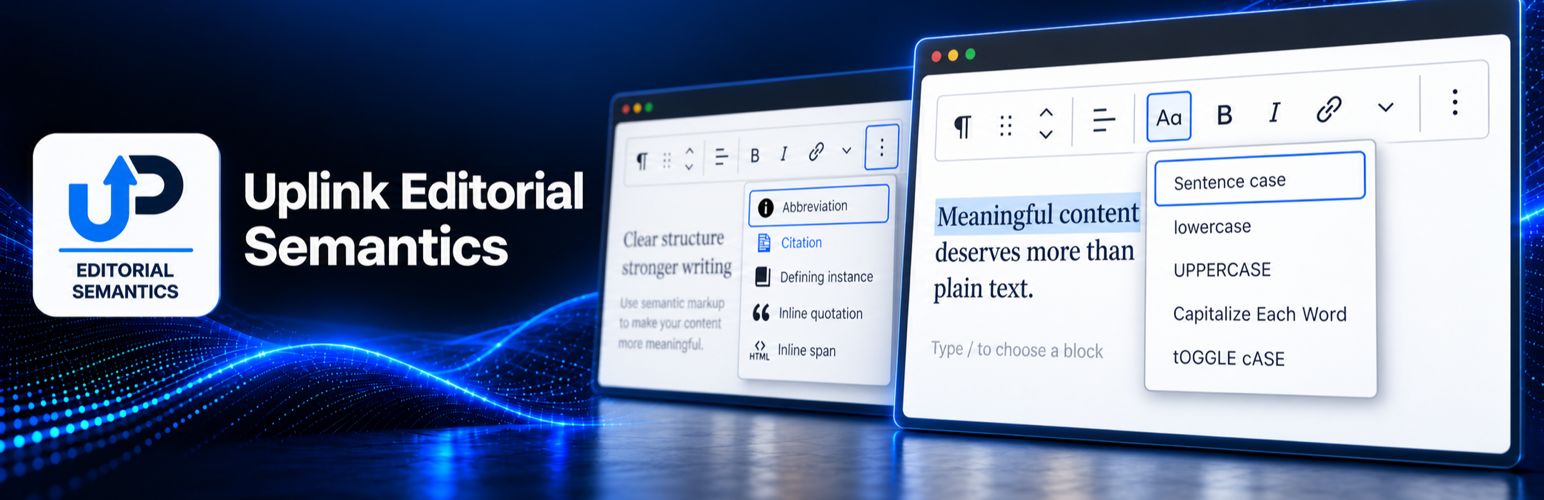
Uplink Editorial Semantics adds editorial markup tools to Rich Text fields in the WordPress Block Editor. The saved content uses standard HTML and does not require front-end JavaScript.
Inline formats:
- Inline quotation (
q) with optional BCP 47 language and citation URL attributes. - Citation (
cite) for the title of a creative work. - Abbreviation (
abbr) with a required expanded form. - Defining instance (
dfn) for the occurrence of a term being defined. - Inline span (
span) with optional sanitized CSS classes and one customdata-*name/value pair for cases where no semantic element is appropriate. - Link attributes for adding one custom
data-*name/value pair and an optionalaria-labelto an existing native hyperlink.
The Editorial Quotation block saves a figure containing a blockquote and an optional figcaption. Its quotation area accepts Paragraph, Heading, and List blocks. The plugin supplies no front-end styling, allowing the active theme to control presentation.
Development
Human-readable source is included in the plugin’s src directory, and the build configuration is included in package.json. Public source and contribution history are also available at https://github.com/stphnwlkr/uplink-editorial-semantics.
To build the production assets, install Node.js and npm, run npm install, and then run npm run build. The compiled files are written to the build directory.
Details
Related plugins
Plugins that also contain the tag accessibility
Ally – Web Accessibility & Usability

Auto Image Attributes From Filename With Bulk Updater (Add Alt Text, Image Title For Image SEO)

Accessibility by UserWay

WP Dark Mode – Improve Accessibility with AI Powered Dark Theme

AccessibleWP – Accessibility Toolbar
Alt Text AI – Automatically generate image alt text for SEO and accessibility


About
Plugin for that tries to help you find the WordPress plugin you are looking for.
| Please enjoy an image of Crush (this awesome turtle) and have a lovely day! |  |
We do not own any plugin listed on this site and do not work for or work with WordPress.com or it's associated companies. We simply provide a searchable list of the available WordPress plugins.