


uSeefy
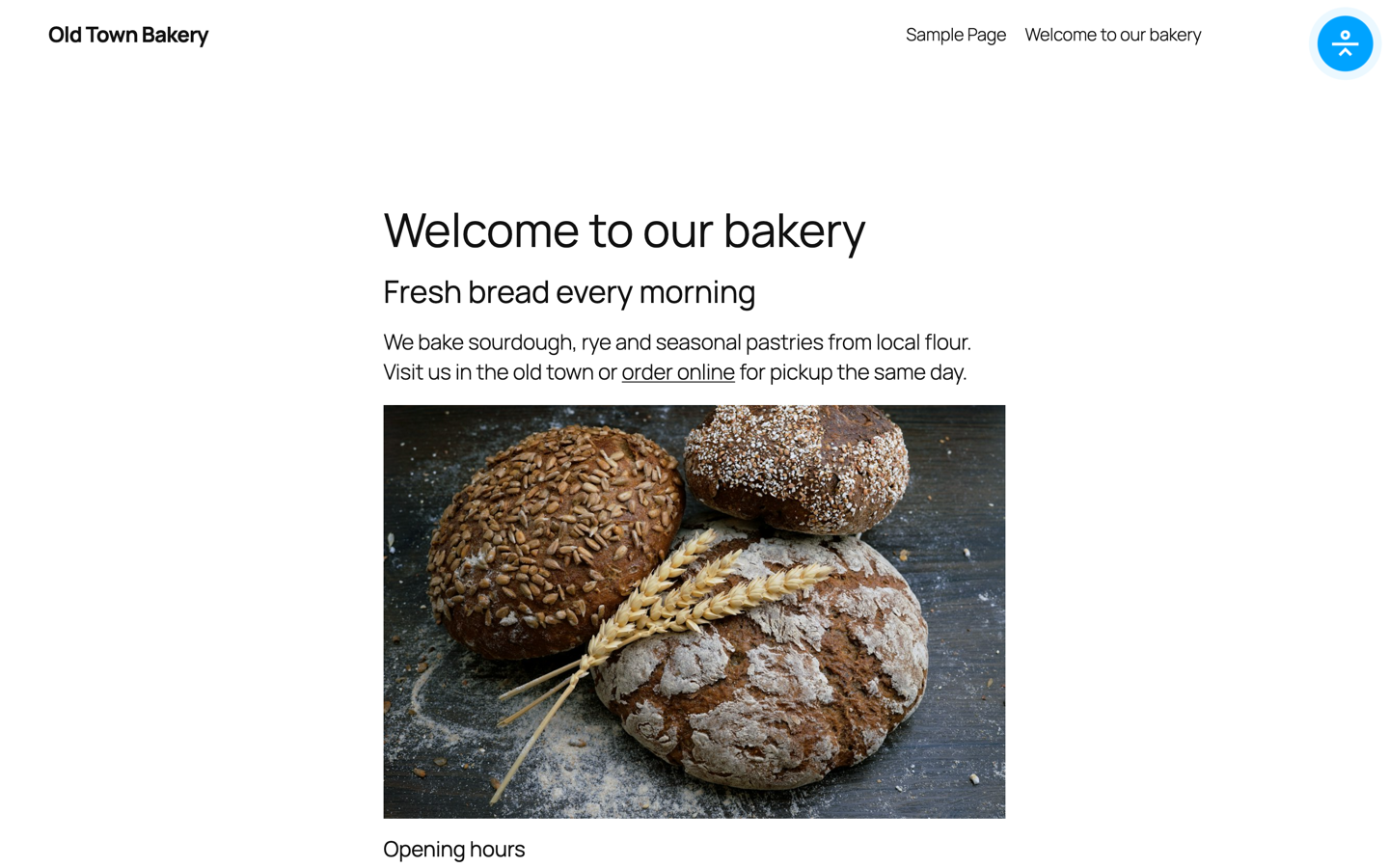
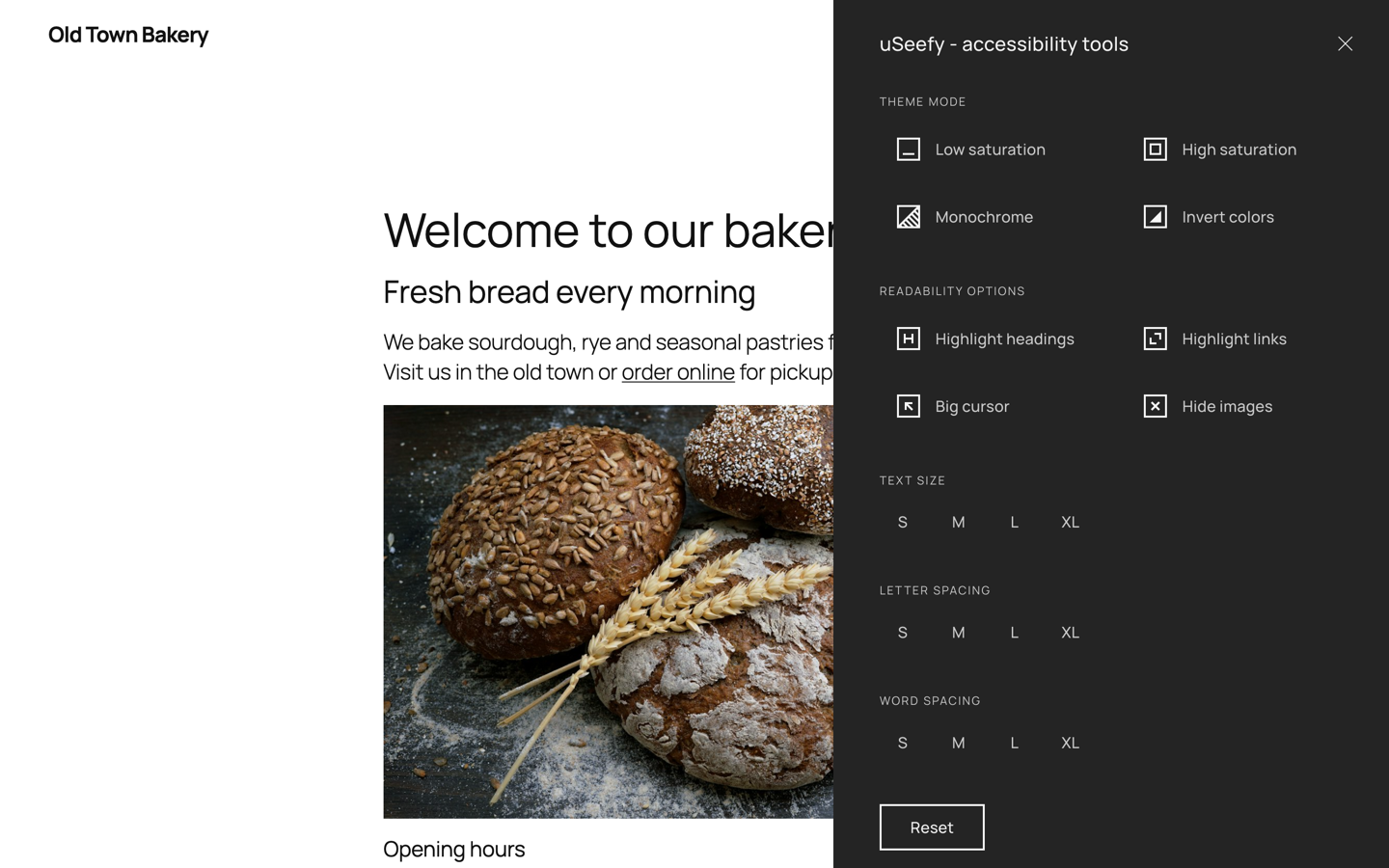
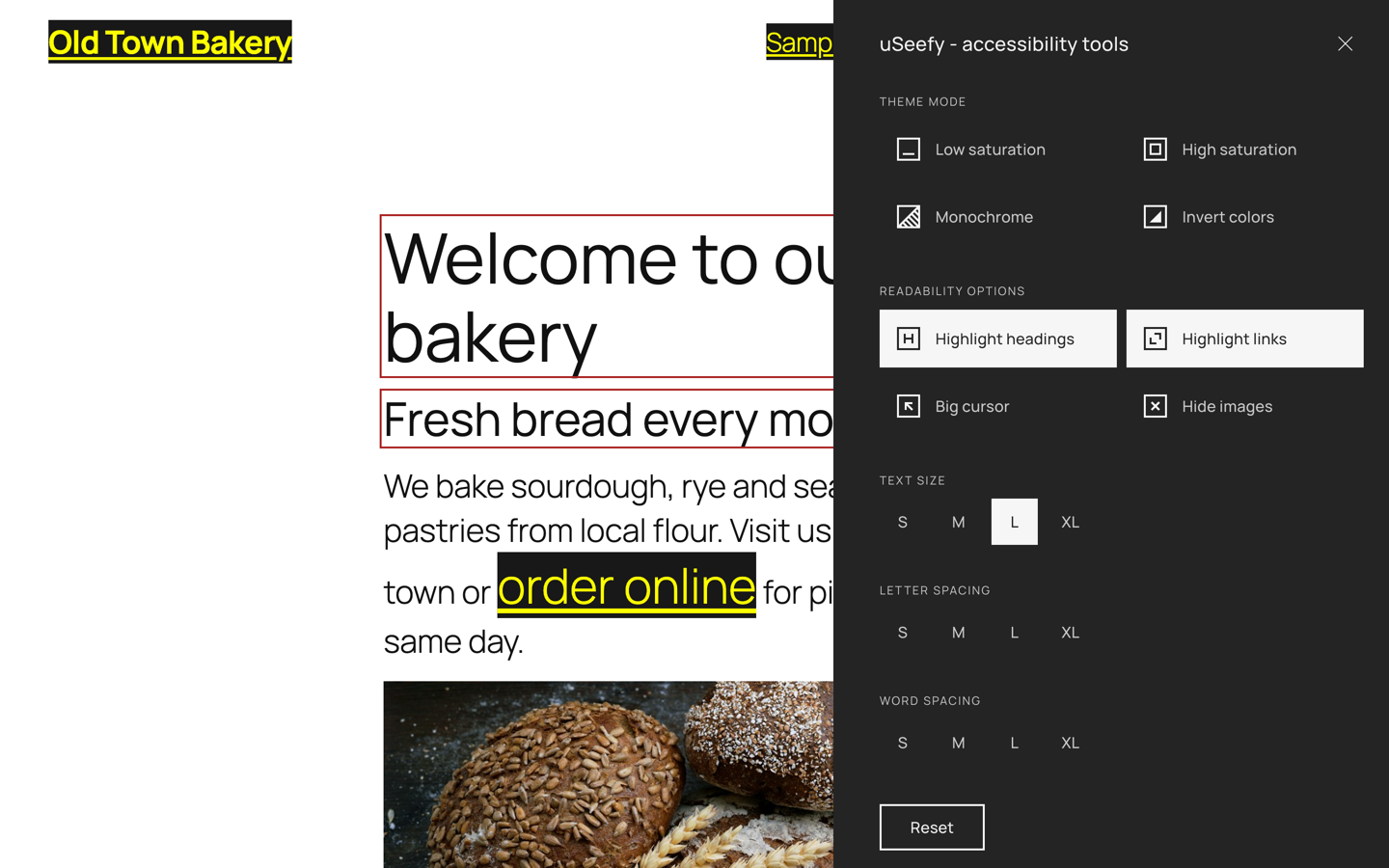
uSeefy is a high-performance accessibility solution designed to support websites in addressing selected WCAG 2.1/2.2 requirements.
It provides a seamless interface for users to customize their browsing experience, improving usability for people with visual, cognitive, or motor impairments.
System Requirements
- WordPress 6.x (latest version recommended)
- PHP 7.4+ (PHP 8.2 recommended)
- Modern web browser with JavaScript enabled
Key Features
- Lightweight frontend architecture: public widget uses Vanilla JavaScript (no jQuery/React on public pages).
- Admin settings scope: bundled CMB2 is admin-only and not loaded on public pages.
- GDPR-ready configuration: toggle allows local-only font mode (no external Google Fonts request).
- Zero-tracking storage: accessibility preferences are stored in localStorage.
- Full keyboard navigation and accessibility-first interactions.
- Customizable UI: theme mode (Dark/Light/System) and flexible positioning.
- Mobile-first responsive widget.
Privacy & GDPR
- Frontend widget does not track website visitors.
- Accessibility preferences are stored in localStorage.
- No frontend third-party tracking API calls.
- Text-to-speech uses the browser Web Speech API and may be subject to the browser vendor’s speech processing policies.
- Optional CMP hook for external fonts: define
window.useefyAllowExternalFonts = function(ctx){ return true|false; }. The plugin checks this before loading external fonts when Load webfont is enabled. - In admin/update flows, the WordPress.org update system provides metadata and packages for the Free version.
CMP Snippet Example (Optional)
Add this in your theme/footer (or CMP custom JS area):
window.useefyAllowExternalFonts = function () { return !!(window.Cookiebot && window.Cookiebot.consent && (window.Cookiebot.consent.preferences || window.Cookiebot.consent.marketing)); };
Keyboard Shortcuts
- Shift + Alt + A: Open/close widget.
- Tab / Shift + Tab: Navigate widget controls.
- Enter / Space: Activate selected control.
- Esc: Close widget.
- Arrow Up / Arrow Down: Move reading mask (when enabled).
Dynamic Content (AJAX)
If your site loads content dynamically, call window.uSeefy.refresh() after rendering new content.
* If you use optimization plugins, clear cache after changes.
* In CDN environments (including Cloudflare), purge cache and exclude uSeefy assets from aggressive optimization when needed.
Details
Related plugins
Plugins that also contain the tag a11y
Ally – Web Accessibility & Usability
AccessibleWP – Accessibility Toolbar

WP Accessibility Helper (WAH)
Contact Form 7: Accessible Defaults

Accesibilidad Web con el Widget de AccedeMe
Accessibility New Window Warnings


About
Plugin for that tries to help you find the WordPress plugin you are looking for.
| Please enjoy an image of Crush (this awesome turtle) and have a lovely day! |  |
We do not own any plugin listed on this site and do not work for or work with WordPress.com or it's associated companies. We simply provide a searchable list of the available WordPress plugins.