

Back

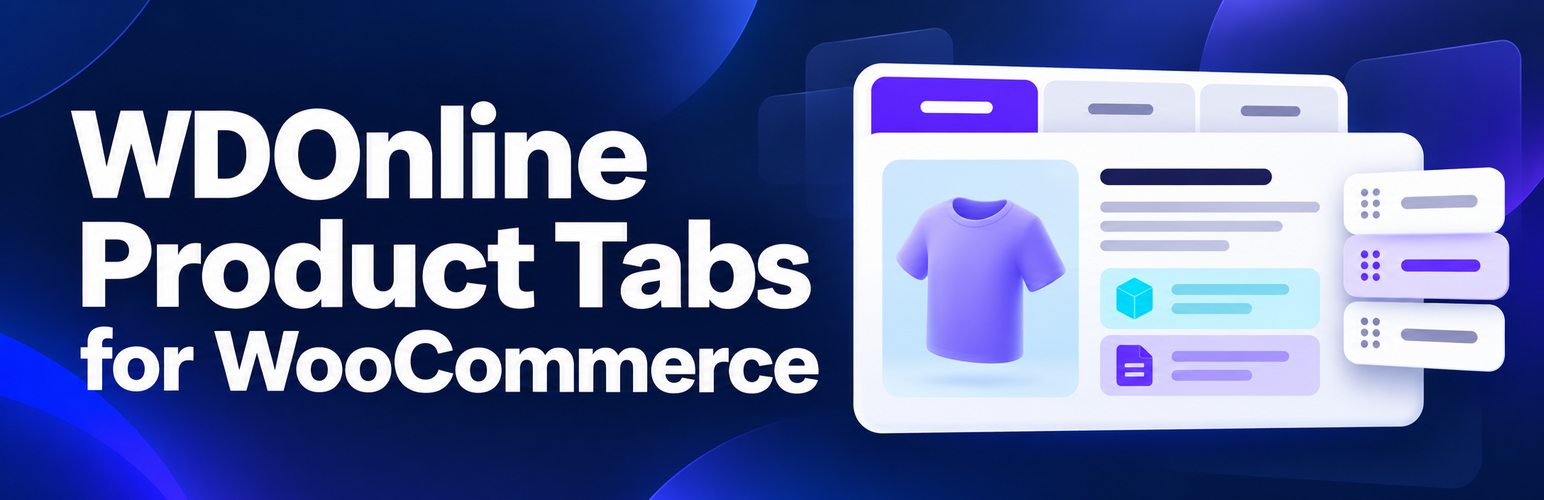
WDOnline Product Tabs for WooCommerce
Details
View on WordPress
Back
WDOnline Product Tabs for WooCommerce helps store owners organize information under their products.
- Create global tabs with rich content and shortcodes.
- Show global tabs on selected products or categories; exclusions take priority.
- Add unlimited tabs unique to one product under Product data > Product Tabs, using a visual editor with images and shortcodes.
- Temporarily hide a product-specific tab without deleting its content.
- Hide a global tab or replace its title and content on a specific product.
- Drag standard and reusable tabs into one shared order; change standard tab labels and visibility.
- Drag product-specific tabs into their own order below standard and reusable tabs.
- Customize tab button and content backgrounds, text colors, and text sizes in the separate Design settings tab.
- Set active and hover colors, and disable styling while retaining saved design settings.
- Insert shortcodes from WDOnline Content Sections into a reusable tab when that separate plugin is active.
- Keep working if the separate WD Online Support Diagnostics plugin is unavailable. A privacy-conscious
wdonlinept_diagnosticsfilter offers basic diagnostic data to integrations.
Tabs appear through WooCommerce’s woocommerce_product_tabs filter. Theme templates or Product Details block layouts that do not use this filter may require separate integration.
No diagnostic data is sent to external servers.
Learn more on the WD Online product page.
Details
Plugin code:
wdonline-product-tabs-for-woocommerce
Plugin version:
1.3.3
Author:
Outdated:
No
WP version:
6.4 or higher
PHP version:
7.4 or higher
Test up to WP version:
7.1.3
Total installations:
0
Last updated:
2026-10-07
Rating:
Times rated:
0
custom-tabs
product-pages
product-tabs
woocommerce


Related plugins
Plugins that also contain the tag custom-tabs
AffiliateWP – Affiliate Area Tabs

WPC Product Tabs for WooCommerce
Custom Tabs & Fields for Woocommerce

Product Tabs for WooCommerce
Product Tabs Manager – Custom WooCommerce Product Tabs, Extra Tabs, Tab Editor & Tab Customizer

Custom Tabs for BuddyPress


About
Plugin for that tries to help you find the WordPress plugin you are looking for.
| Please enjoy an image of Crush (this awesome turtle) and have a lovely day! |  |
We do not own any plugin listed on this site and do not work for or work with WordPress.com or it's associated companies. We simply provide a searchable list of the available WordPress plugins.