


Webot Anchor Check
A button says “Pricing” and links to #pricing, but that section’s ID was renamed or deleted. Nothing happens when a visitor clicks it, and no broken-link checker tells you, because the page itself still loads.
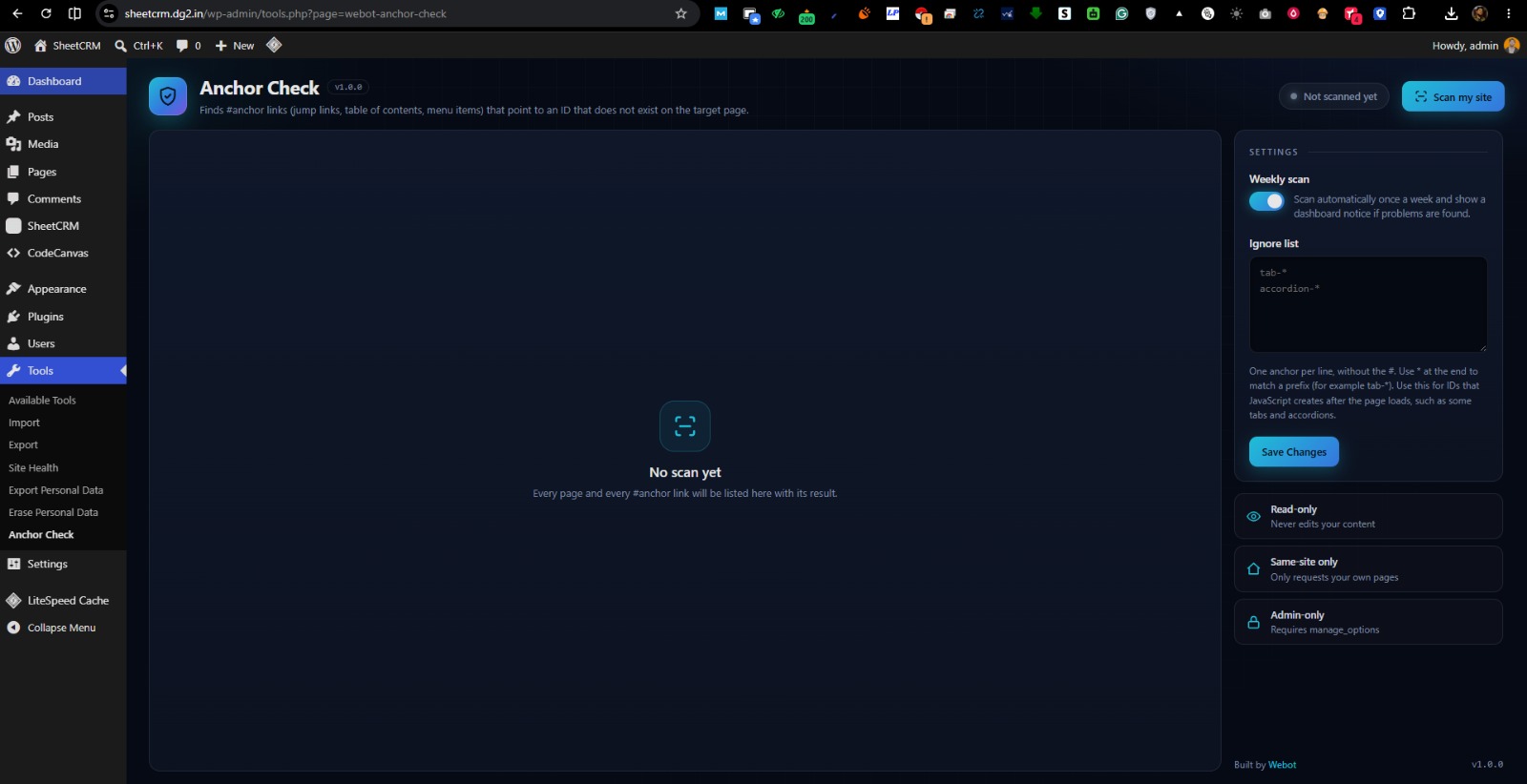
Webot Anchor Check scans your published pages and posts, reads the rendered HTML (so menus, headers, footers and page-builder output are included), and checks that every #fragment link points to an element ID or <a name> that really exists on the target page.
What you get
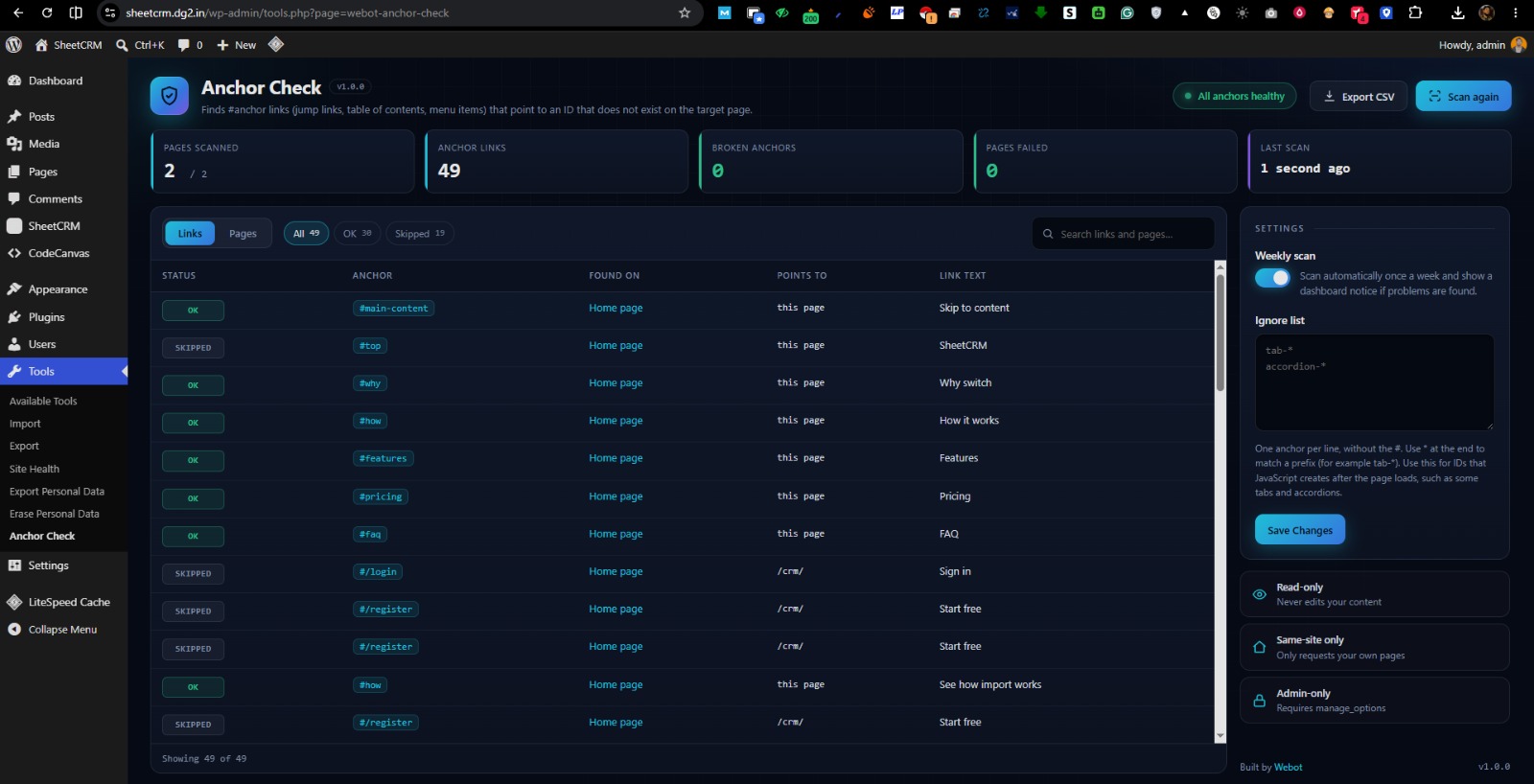
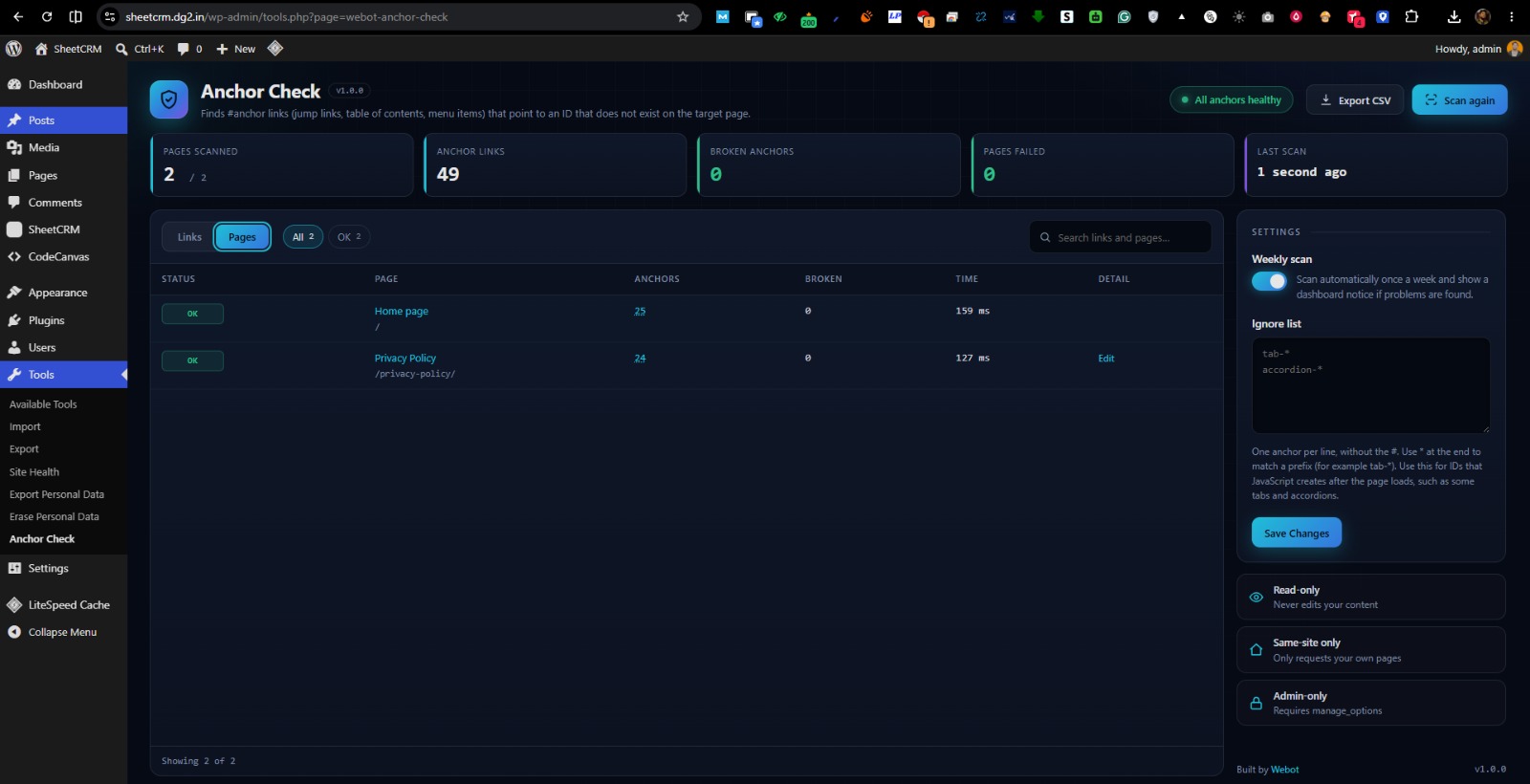
- A full scan log of every page and every #anchor link, each marked OK, Broken, Failed, Skipped or Unchecked
- Filter and search the log, switch between a Links view and a Pages view
- A live progress terminal while the scan runs
- Failed pages are listed with the reason (for example HTTP 404), so nothing is skipped silently
- One-click edit links to the page that contains the broken link
- Optional weekly scan with a dashboard notice
- CSV export of the full log
- An ignore list for IDs that JavaScript creates after the page loads
- No external services, no account, no tracking. Everything stays on your site.
What it skips on purpose
#top(browsers scroll to the top without an ID)#!and#/style links used by JavaScript routers- Text fragments (
#:~:text=) - Links to other websites
Details
Related plugins
Plugins that also contain the tag anchor-links
Add Anchor Links

Fast Smooth Scroll

Stylish Links

Auto Anchor List

Copy Link to Heading – Easily add Anchor links for Headings

Essence Table of Contents


About
Plugin for that tries to help you find the WordPress plugin you are looking for.
| Please enjoy an image of Crush (this awesome turtle) and have a lovely day! |  |
We do not own any plugin listed on this site and do not work for or work with WordPress.com or it's associated companies. We simply provide a searchable list of the available WordPress plugins.