

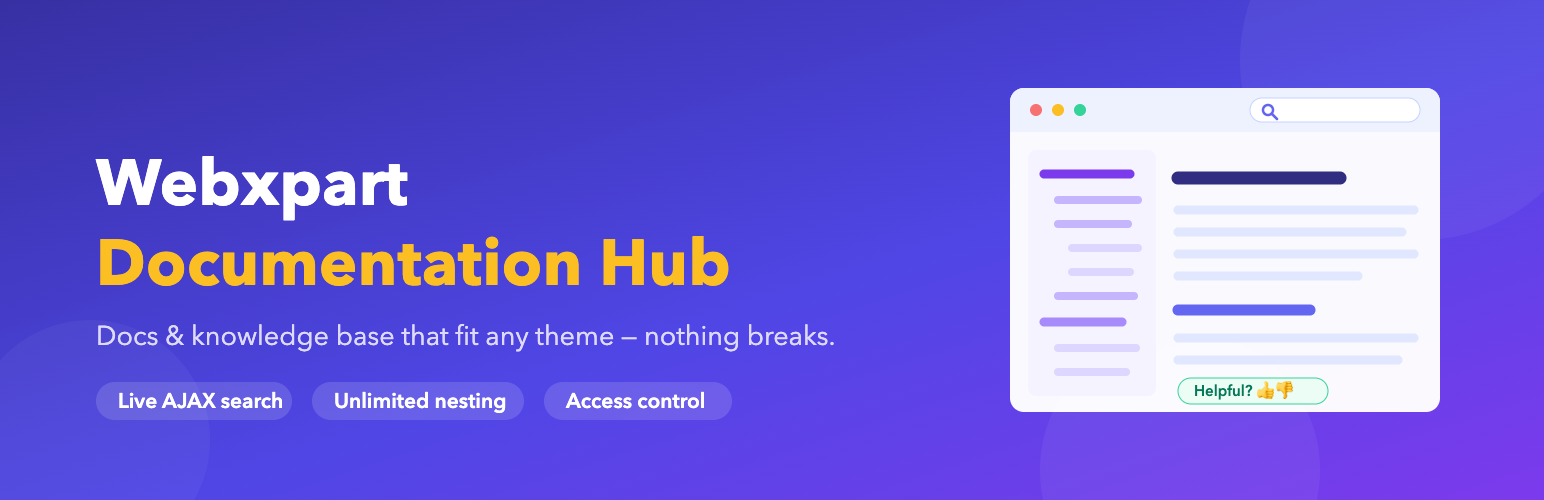

Webxpart Documentation Hub
Webxpart Documentation Hub adds a full documentation / knowledge base system to WordPress:
- Multiple documentations — run as many separate documentations as you like on one site (e.g. “User Guide”, “Developer API”), each with its own home, its own sidebar tree and its own URL space.
- Unlimited nesting — a documentation is simply a top-level doc; everything beneath it becomes its sections and articles, to any depth.
- Reader feedback — a “Was this page helpful?” prompt on every doc, with an optional comment when the answer is no.
- Insights — see your lowest-rated docs, your most-read docs, and the searches that returned nothing at all. That last list is your writing backlog.
- Access control — keep a documentation public, restrict it to logged-in users, or limit it to chosen roles. Restricted docs disappear from the sidebar, the search results and direct links.
- Live AJAX search — instant results as you type, scoped to docs only.
- Automatic table of contents — generated from your headings, with scroll-spy highlighting.
- Breadcrumbs & prev/next navigation — plus a collapsible documentation sidebar.
- Works with any theme — your theme renders the page; Webxpart Documentation Hub only fills the content area. All CSS is namespaced under a single wrapper class, so nothing leaks in or out. Nothing to configure to “make it fit.”
Two design modes
Under Webxpart Documentation Hub Settings Design mode you can choose how docs look:
- Self-contained (default) — docs get their own polished, fully scoped styling with automatic dark mode. Pixel-consistent on every theme.
- Inherit theme styles — docs adopt your active theme’s fonts, colours and content styling. Webxpart Documentation Hub adds layout only, and tints its UI from your theme’s own text colour, so the docs blend seamlessly into your site.
Why it doesn’t break your theme
Every style rule is scoped under the .wxdh wrapper, and the wrapper carries its own local CSS reset and explicit base typography. That means your theme’s CSS cannot distort the docs, and the plugin’s CSS cannot escape to restyle the rest of your site. Re-skinning is done by overriding a few CSS custom properties (variables) — no template hacking required.
Shortcodes
[wxdh]— full documentation layout (search + sidebar + a card for each documentation).[wxdh set="developer-api"]— the same layout scoped to one documentation. Accepts a slug or an ID.[wxdh_search]— a live search box you can place anywhere.[wxdh_list]— a grid of all documentations. ([wxdh_categories]still works as an alias.)
Template overrides
Copy any file from the plugin’s /templates/ folder into your-theme/wxdh/ to customise it safely — it will survive plugin updates.
Details
Related plugins
Plugins that also contain the tag docs
WP Help

Helpie FAQ — Accordion, Docs & Knowledge Base

BuddyPress Docs

weDocs: AI Powered Knowledge Base, Docs, Documentation, Wiki & AI Chatbot

Knowledge Base documentation & wiki plugin – BasePress Docs
Joli FAQ SEO – WordPress FAQ Plugin


About
Plugin for that tries to help you find the WordPress plugin you are looking for.
| Please enjoy an image of Crush (this awesome turtle) and have a lovely day! |  |
We do not own any plugin listed on this site and do not work for or work with WordPress.com or it's associated companies. We simply provide a searchable list of the available WordPress plugins.