

Back

Welcomify – Custom Welcome Dashboard
Details
View on WordPress
Back
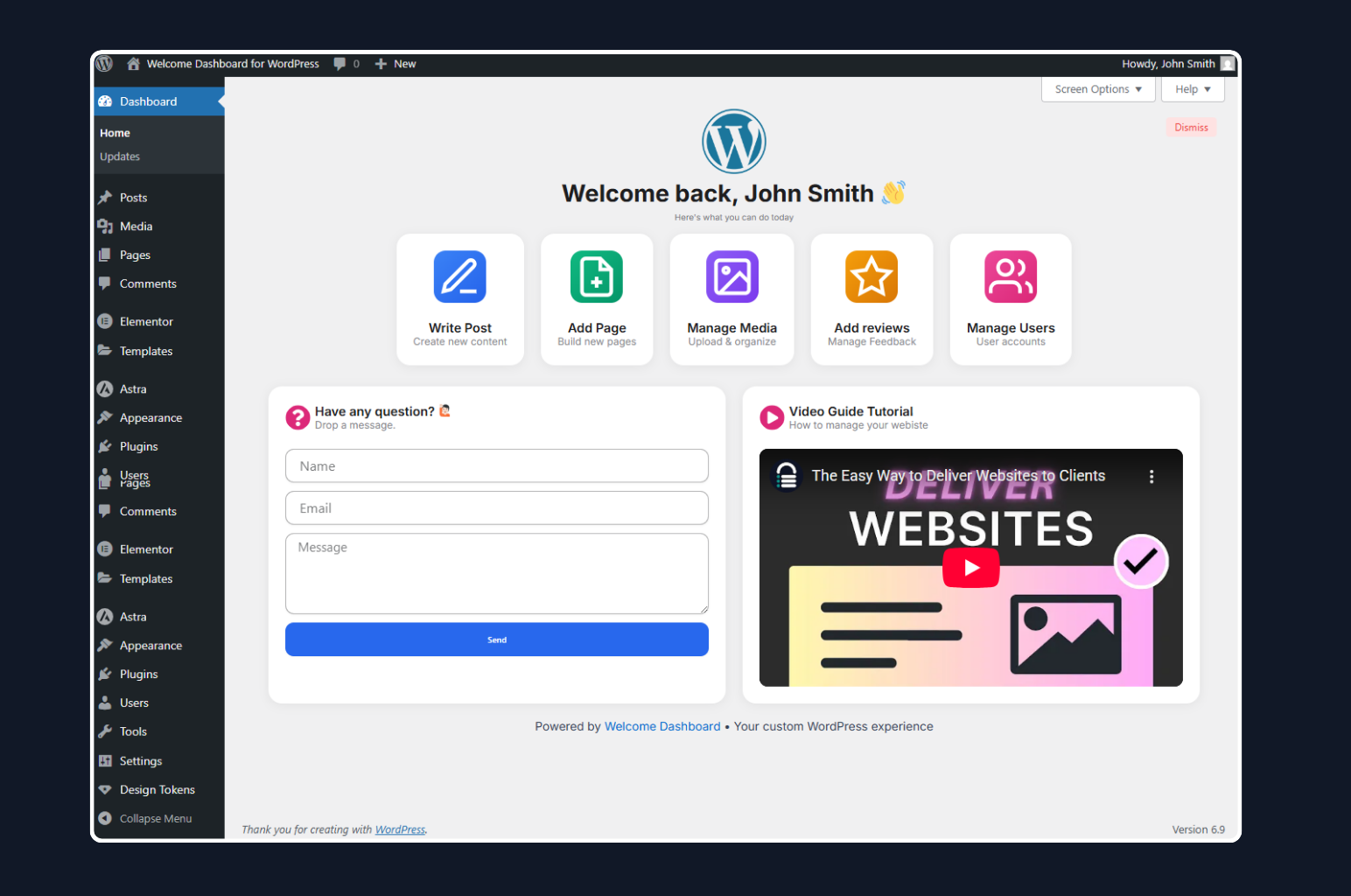
Welcomify allows you to replace the default WordPress welcome panel with any page you create using your favorite page builder – Elementor, Gutenberg, Bricks, Divi, and more.
Key Features
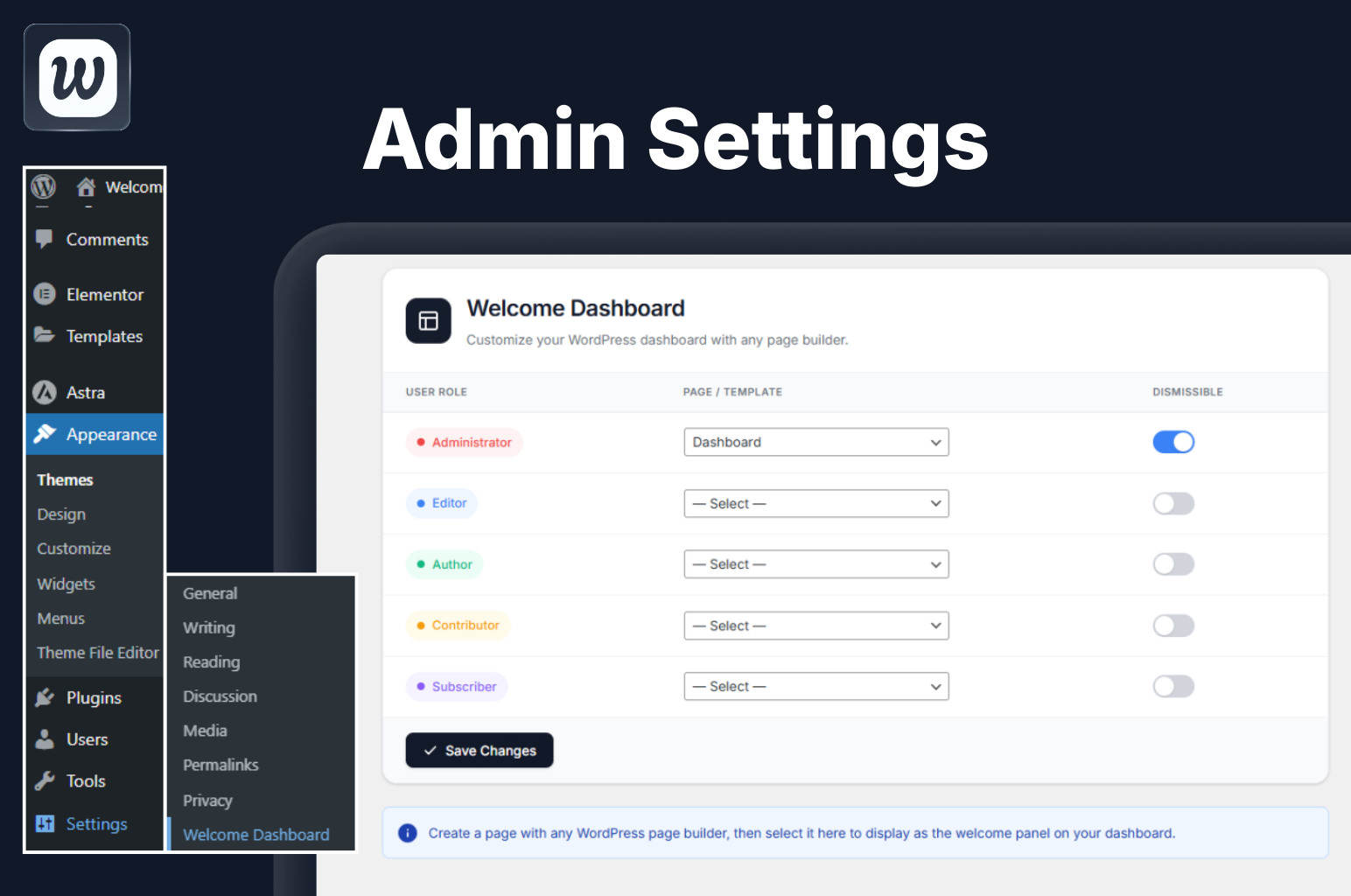
- Role-Based Dashboards – Assign different welcome pages for each user role (Administrator, Editor, Author, Contributor, Subscriber)
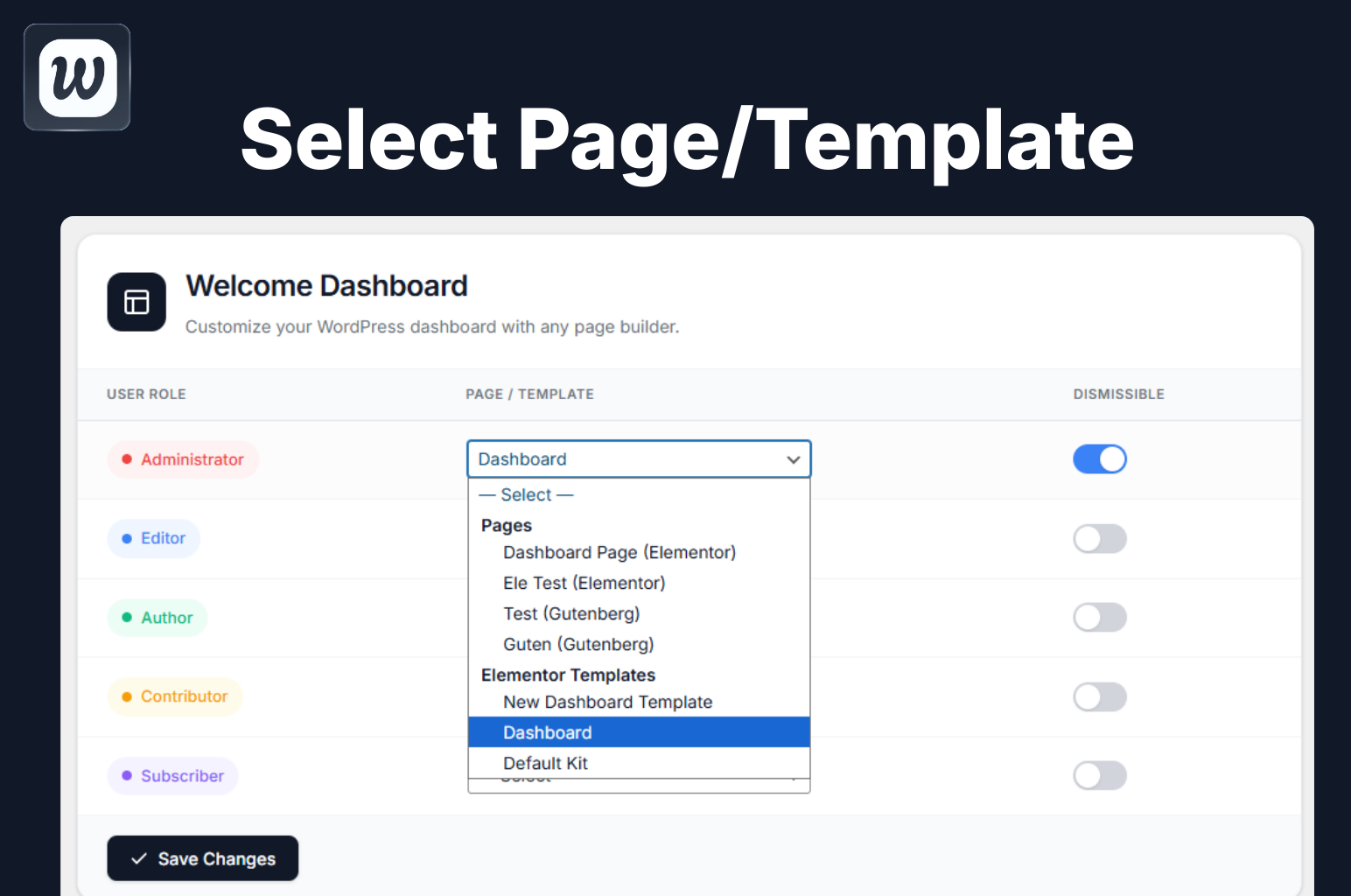
- Page Builder Compatible – Works with Elementor, Gutenberg, Bricks, Divi, Beaver Builder, Breakdance, and more
- Dismissible Option – Allow users to dismiss the welcome panel if desired
- Clean Embed – Pages are displayed cleanly without headers, footers, or sidebars
- Multisite Support – Full support for WordPress multisite networks
- Lightweight – No bloat, just the features you need
- Translation Ready – Fully internationalized and ready for translation
Use Cases
- Create a branded onboarding experience for new users
- Display important announcements to specific user roles
- Show quick-start guides for content creators
- Present analytics dashboards to administrators
- Welcome clients with custom messages
How It Works
- Create any WordPress page using your preferred page builder
- Click on Welcomify in the admin menu
- Assign pages to each user role
- Done! Users will see your custom page on their dashboard
Details
Plugin code:
welcomify
Plugin version:
1.4.0
Author:
Outdated:
No
WP version:
5.2 or higher
PHP version:
7.4 or higher
Test up to WP version:
6.9.1
Total installations:
0
Last updated:
2026-03-06
Rating:
Times rated:
1
dashboard
elementor
gutenberg
page-builder
welcome-panel
Related plugins
Plugins that also contain the tag dashboard
Admin Menu Editor

White Label CMS

Display PHP Version

Remove Dashboard Access

Dashboard Welcome for Elementor

Dashboard Notepad


About
Plugin for that tries to help you find the WordPress plugin you are looking for.
| Please enjoy an image of Crush (this awesome turtle) and have a lovely day! |  |
We do not own any plugin listed on this site and do not work for or work with WordPress.com or it's associated companies. We simply provide a searchable list of the available WordPress plugins.