

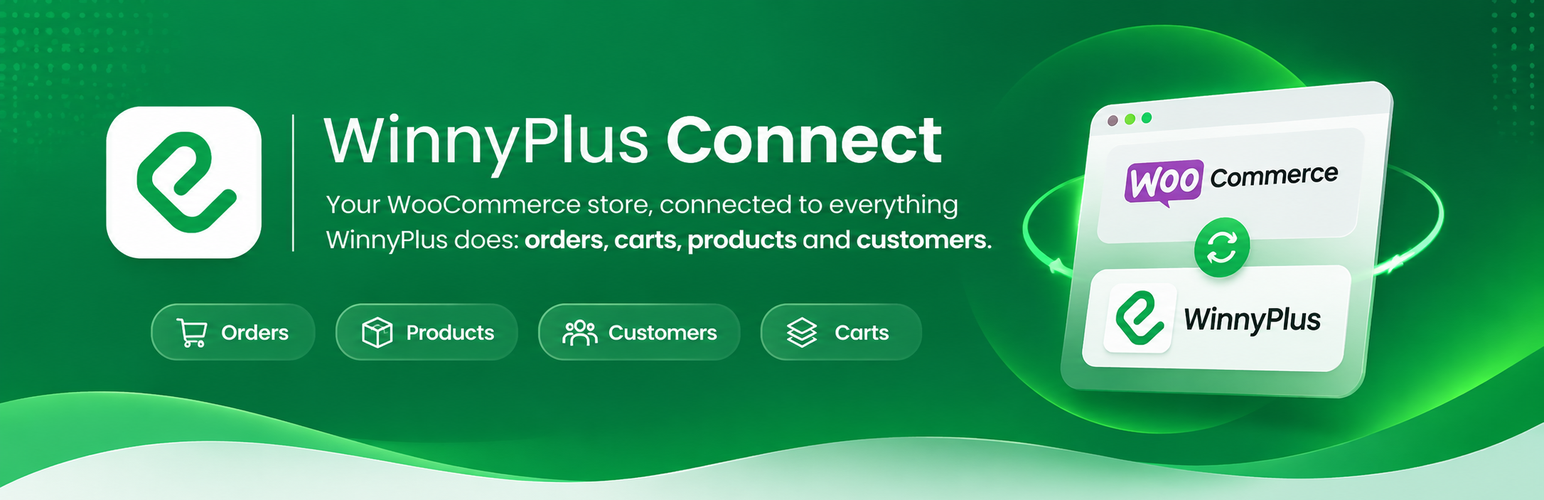

WinnyPlus Connect
WinnyPlus Connect is the link between your WooCommerce store and WinnyPlus. Once your store is connected, every WinnyPlus service you subscribe to works with your store’s orders, carts, customers and products, with nothing else to install.
What you get
- Your services at a glance. The plugin’s Home shows every WinnyPlus service, where you stand with each (active, cancelled, not subscribed yet), a few numbers for the ones you use, what each one takes from your store, and a link to do the next thing in your dashboard. A new service shows up here without updating the plugin.
- Orders and carts. New orders, status changes, carts started and left behind, and the checkout, so you can manage orders, follow what customers leave in their carts, and answer them (for example with a WhatsApp reminder).
- Where customers come from. Orders and carts say whether the customer came from an ad, a social network, a search engine, an email, another website or straight to your store.
- Products and stock. Your products with their variations, prices and stock, so the catalog and the stock stay in step with the store.
- Your control. What is sent is decided from your WinnyPlus dashboard; the plugin only sends what you switched on. You can disconnect from the plugin at any time.
You need a WinnyPlus account. The plugin is free; the WinnyPlus services are subscriptions on winnyplus.com. Without a connection, the plugin sends nothing.
External services
This plugin connects to the WinnyPlus platform (api.winnyplus.com), operated by WinnyPlus. It is the service the plugin exists for: without it the plugin does nothing.
What it is used for and when data is sent
- Connecting your store. When you enter the connection code, the plugin sends the code, this site’s REST address and the plugin version to WinnyPlus, and receives a token that is kept encrypted in your database.
- Events from your store. Only after you connect, and only for the kinds of event you switched on in your WinnyPlus dashboard, the store sends to WinnyPlus: new and changed orders (order number, status, totals, items, payment and shipping method, billing and shipping address, customer name, phone and email, customer note), carts and checkouts (items, totals and, when the visitor has typed them, phone, email and name), new customers (name, phone, email) and products (name, SKU, price, stock, images, categories). Each event may also say where the customer came from (see “Privacy” below).
- Your WinnyPlus Home page. When you open the plugin’s pages in the WordPress admin, the plugin asks WinnyPlus for your list of services and their numbers (the connection token is sent), and keeps the answer for a few minutes. Before you connect, it asks for the public list of services (nothing about you is sent).
- Changes you make in WinnyPlus. WinnyPlus calls this site’s REST routes (authenticated with a secret only WinnyPlus holds) to change an order’s status, read past orders, products and customers, or update stock, when you ask for it in your WinnyPlus account.
- Disconnecting. When you disconnect or delete the plugin, it tells WinnyPlus so the connection is closed.
Service provider: WinnyPlus. Terms of use: https://winnyplus.com/en/legal/integrations/terms . Privacy policy: https://winnyplus.com/en/legal/integrations/privacy .
The plugin also shows links to the WinnyPlus dashboard (account.winnyplus.com) and help center (help.winnyplus.com). They are only links; nothing is sent when they are shown.
Privacy
- The plugin sets one first-party cookie,
winnyplus_connect_attr(30 days), on the pages of your store, to remember where a visitor came from: the campaign parameters of the link, the referring website, the app the page was opened in, and the landing page. It holds nothing that identifies the visitor. You can stop it with the filterwinnyplus_connect_capture_attribution, for example until the visitor accepts marketing cookies:add_filter( 'winnyplus_connect_capture_attribution', '__return_false' ); - The plugin adds text for your privacy policy (Settings > Privacy > Policy Guide).
- The data sent to WinnyPlus is customer data of your store. You are responsible for the notice to your customers; the text above is meant to help.
Details


Related plugins
Plugins that also contain the tag abandoned-cart
Booster for WooCommerce – PDF Invoices, Abandoned Cart, Variation Swatches & 100+ Tools

Zoho Campaigns

ShopMagic Abandoned Cart Recovery for WooCommerce
Retainful – WooCommerce Abandoned Cart, Newsletters, Email Marketing, Signup Forms and Automation

Constant Contact + WooCommerce

Abandoned Checkout Recovery & Order Notifications for WooCommerce


About
Plugin for that tries to help you find the WordPress plugin you are looking for.
| Please enjoy an image of Crush (this awesome turtle) and have a lovely day! |  |
We do not own any plugin listed on this site and do not work for or work with WordPress.com or it's associated companies. We simply provide a searchable list of the available WordPress plugins.