


This plugin is outdated and might not be supported anymore
Back

WP-CommentNavi
Details
View on WordPress
Back
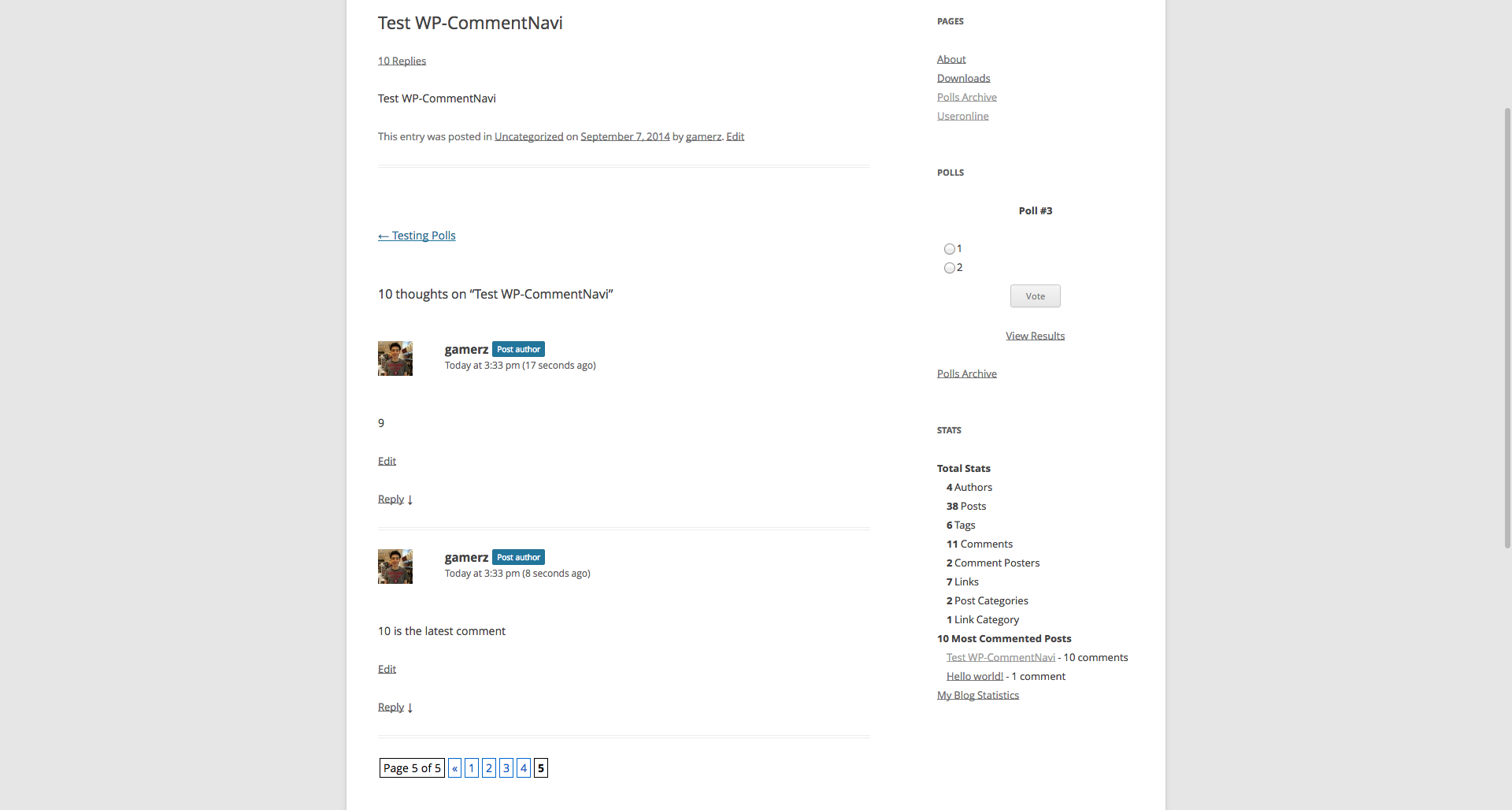
Example: Pages 1 of 20: [1] 2 3 4 ... Last
General Usage
- Open
wp-content/themes/<YOUR THEME NAME>/comments.php - Add:
<?php if(function_exists('wp_commentnavi')) { wp_commentnavi(); } ?> - Go to
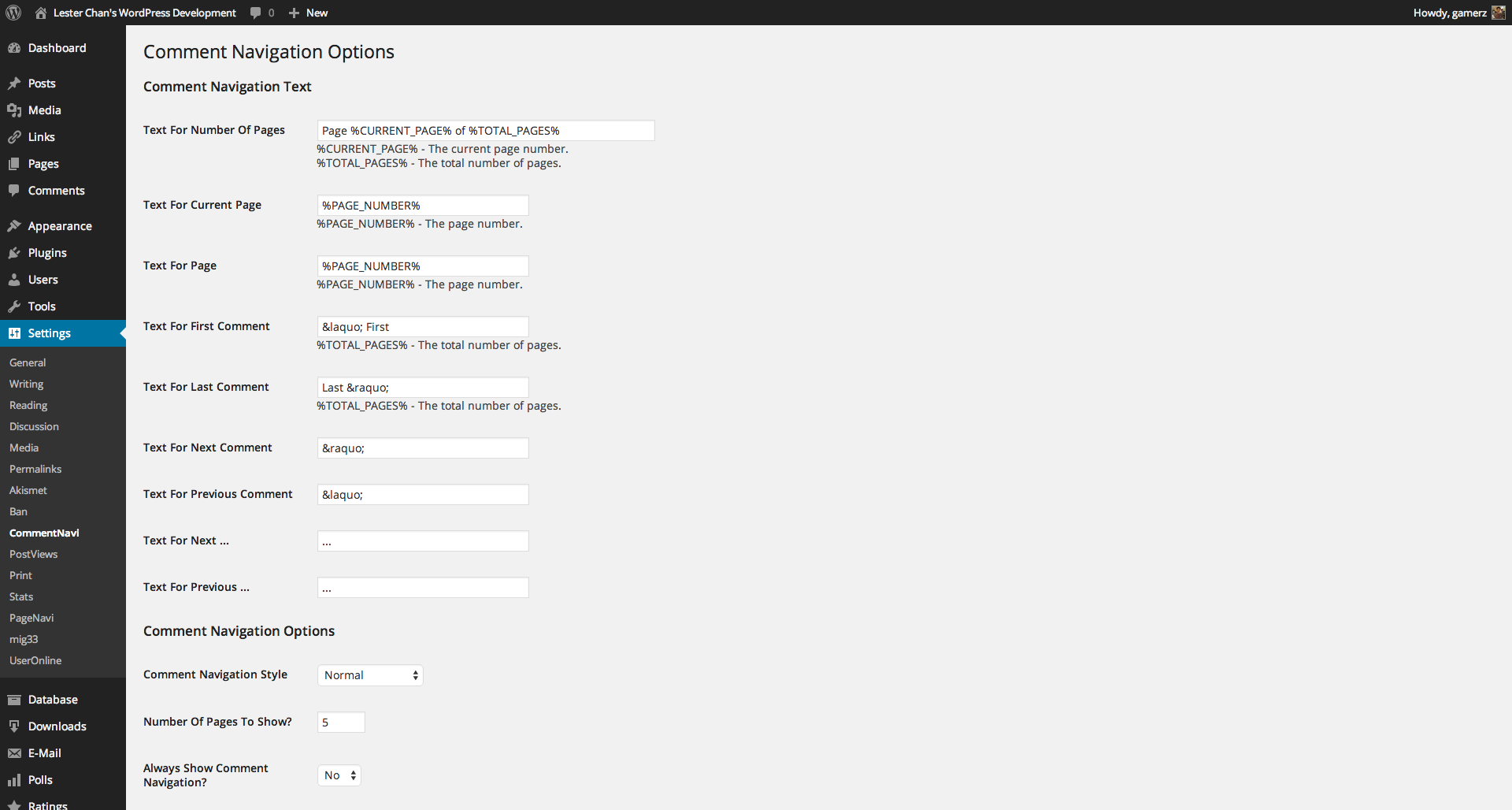
WP-Admin -> Settings-> CommentNavito configure WP-CommentNavi
- If you need to configure the CSS style of WP-CommentNavi, open and edit:
commentnavi-css.css - WP-CommentNavi will load
commentnavi-css.cssfrom your theme’s directory if it exists. - If it doesn’t exists, it will just load the default ‘commentnavi-css.css’ that comes with WP-CommentNavi.
- This will allow you to upgrade WP-CommentNavi without worrying about overwriting your page navigation styles that you have create
Build Status
Development
Translations
Credits
Donations
- I spent most of my free time creating, updating, maintaining and supporting these plugins, if you really love my plugins and could spare me a couple of bucks, I will really appreciate it. If not feel free to use it without any obligations.
Details
Plugin code:
wp-commentnavi
Plugin version:
1.12.2
Author:
Outdated:
Yes
WP version:
2.8 or higher
PHP version:
or higher
Test up to WP version:
6.3.5
Total installations:
900
Last updated:
2023-08-09
Rating:
Times rated:
2
commentnavi
navi
navigation
page
wp-commentnavi

About
Plugin for that tries to help you find the WordPress plugin you are looking for.
| Please enjoy an image of Crush (this awesome turtle) and have a lovely day! |  |
We do not own any plugin listed on this site and do not work for or work with WordPress.com or it's associated companies. We simply provide a searchable list of the available WordPress plugins.