


This plugin is outdated and might not be supported anymore
Back
WP Featured Screenshot
Details
View on WordPress
Back
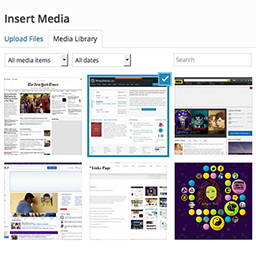
This plugin allows you add screenshots to your media library to use throughout your wordpress site as you would with any other image. It creates a copy of the screenshot on your web server to reduce the overhead on your site.
Please check out our WP Links Page Pro at http://wplinkspage.com/
Usage
- When adding a new post, click ‘Add Media’.
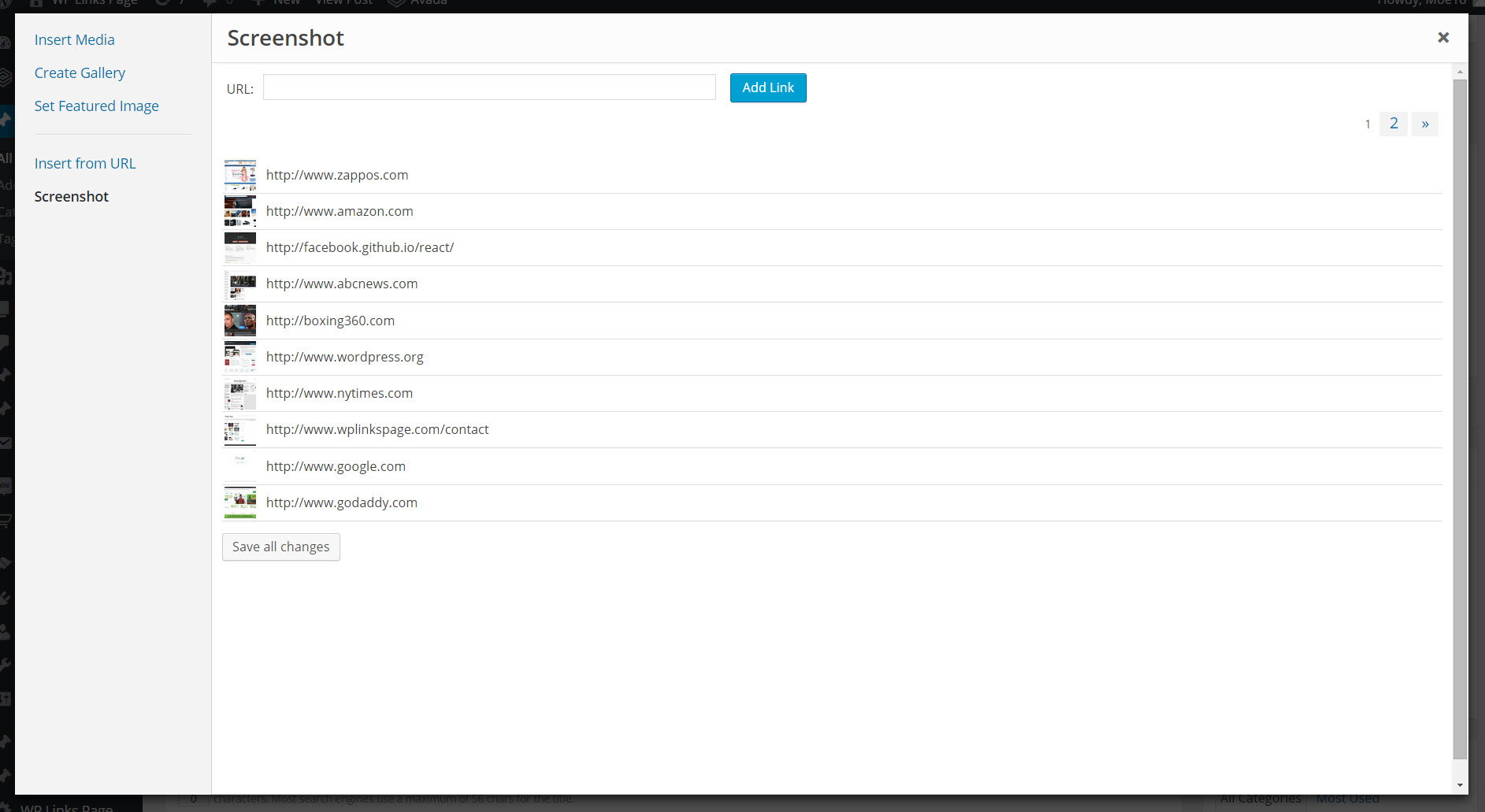
- Then click the ’Screenshot’ tab to the left.
- Type in the web address to use for the screenshot, and click ‘Add Screenshot’.
- The screenshot will appear in the table below the ‘Add Screenshot’ form, click the screenshot in the table.
- From here you can set the screenshot as your featured image or insert it into the post as you would with any other image in your media library.
For more information please visit http://wplinkspage.com/
Details
Plugin code:
wp-featured-screenshot
Plugin version:
1.3
Author:
Outdated:
Yes
WP version:
or higher
PHP version:
or higher
Test up to WP version:
4.9.26
Total installations:
90
Last updated:
2018-09-18
Rating:
Times rated:
5
link
post-image-screenshot
screenshot
screenshot-featured-image
wp-featured-screenshot

Related plugins
Plugins that also contain the tag link
Custom Post Type Permalinks

Custom Permalinks

Page Links To

VK Link Target Controller

Title and Nofollow For Links (Classic Editor)

Link Juice Keeper


About
Plugin for that tries to help you find the WordPress plugin you are looking for.
| Please enjoy an image of Crush (this awesome turtle) and have a lovely day! |  |
We do not own any plugin listed on this site and do not work for or work with WordPress.com or it's associated companies. We simply provide a searchable list of the available WordPress plugins.