


WP Force Password
This plugin is ideal for security reasons, provides password update reminders.
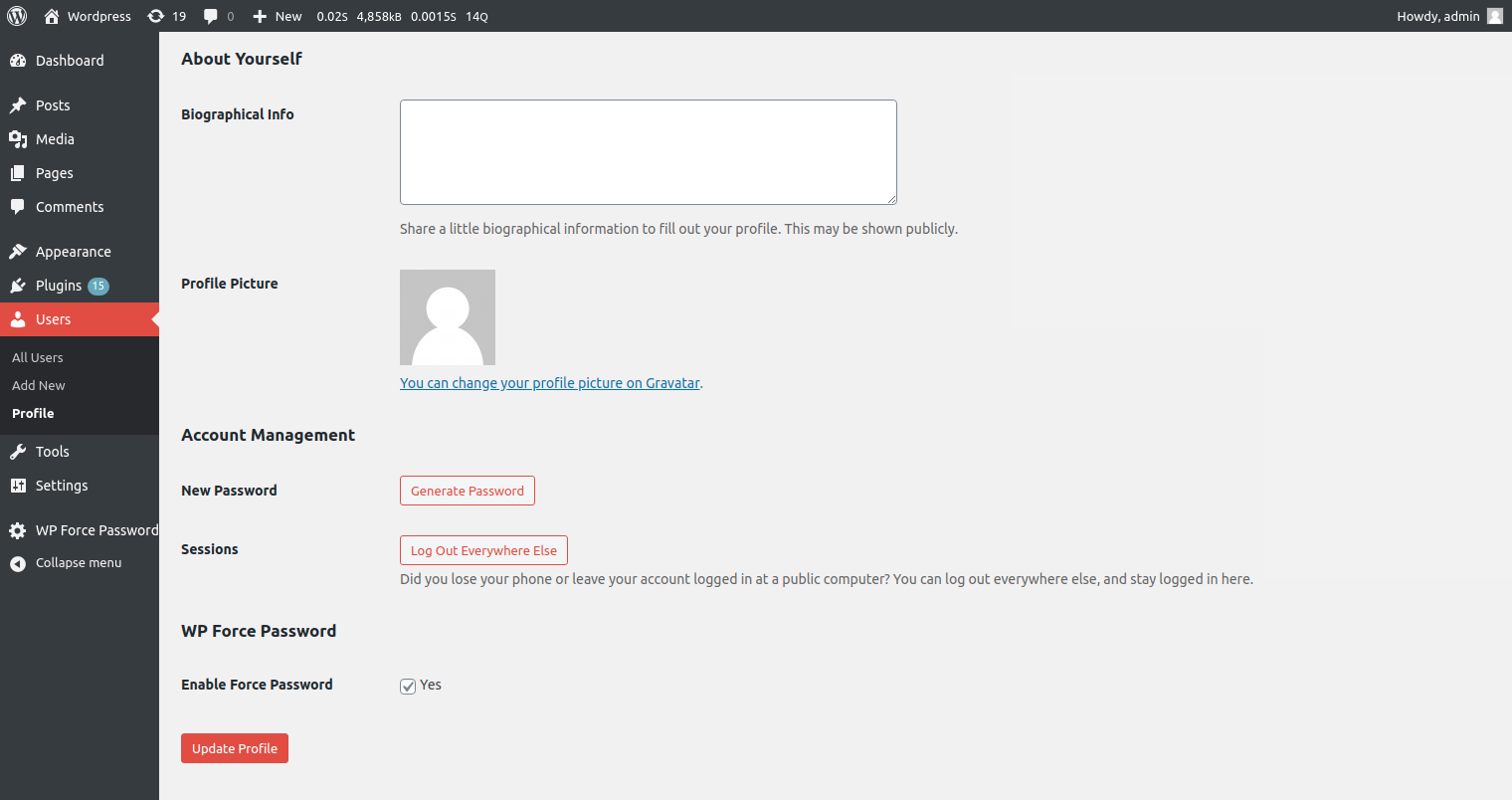
In the plugin settings, you can set Password Reset Days, and Select User roles will be required to reset their password regularly.
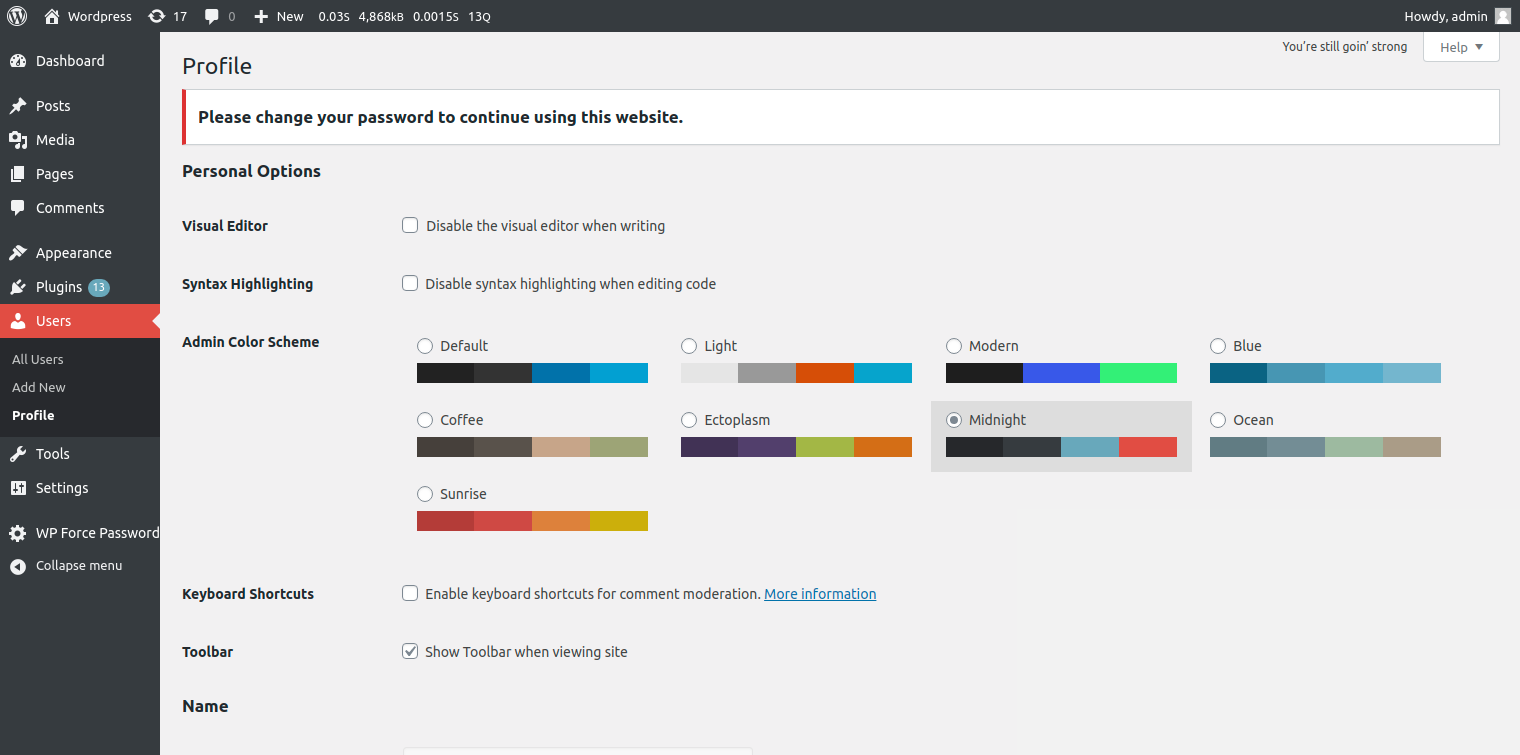
If the user password has expired this plugin redirects the login user to the admin screen profile.php page and the front end login lost password page wp-login.php to force change their password.
And also notice is displayed informing they must require to change their password to continue using this website.
Features of the Free WP Force Password plugin:
* Add password reset days
* Select user roles to allow the change expiry password
* Enable/Disable reset password feature for any user
* Force users to update expiry password
* Reminder email notification for password expired
Pro Features:
– Enable force password reset for all user based on the user regsitration date
Upgrade to Pro
Unlock powerful customization with the **Pro version**:
- WP Force Password PRO version
- Enable force password reset for all user based on the user regsitration date.
- Priority support and regular feature updates
Explore more here:
Documentation
Support
How can I disable notifications based on the WordPress environment
This plugin use wp_get_environment_type() to retrieve the current environment type.
the WP_ENVIRONMENT_TYPE in the wp-config.php file to disable the notification for all the environments except the production.
The type can be set via the WP_ENVIRONMENT_TYPE in wp-config.php file.
Possible values are ‘local’, ‘development’, ‘staging’, and ‘production’. If not set, the type defaults to ‘production’.
Refrence url
Details



About
Plugin for that tries to help you find the WordPress plugin you are looking for.
| Please enjoy an image of Crush (this awesome turtle) and have a lovely day! |  |
We do not own any plugin listed on this site and do not work for or work with WordPress.com or it's associated companies. We simply provide a searchable list of the available WordPress plugins.