



WP Frontend Profile
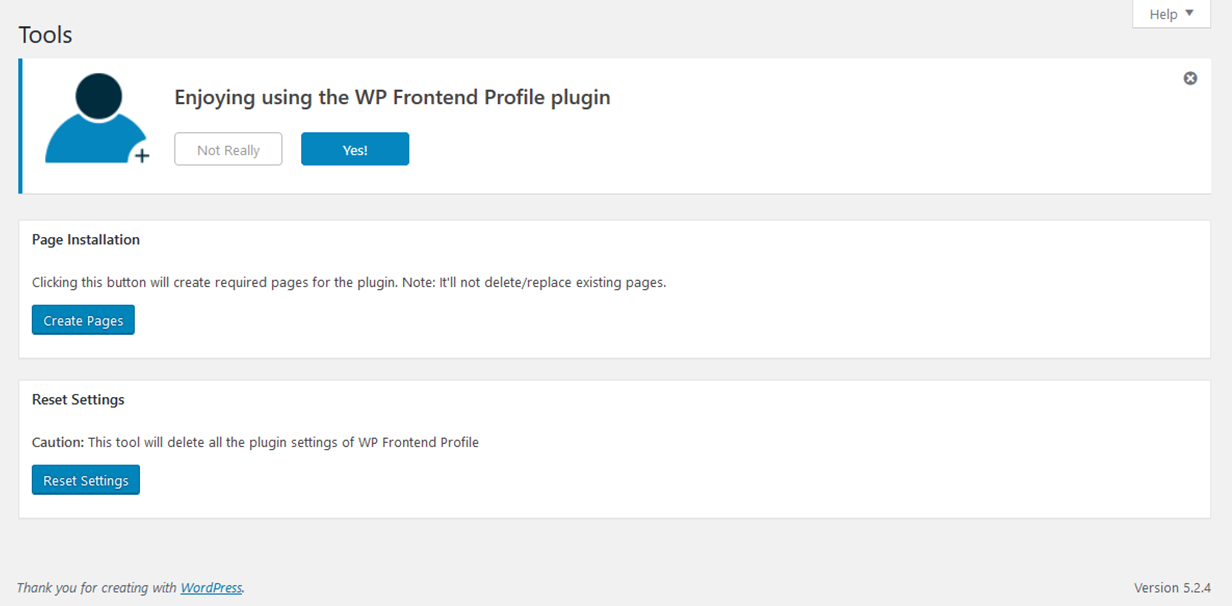
WP Frontend Profile gives you the ability to add a extensible user profile section to the frontend of your WordPress website. By default the plugin adds two tabs to the frontend profile. One of these tabs, titled profile, allows a user to edit their user data including email, first and last names, URL and bio (description). The password tab allows a user to change their password for the site.
Plugin Extensibility
As the frontend profile is rendered with tabs you can easily add your own tabs with your own fields to store user meta data. Tabs and fields are added through filters and all the saving of the data is taken care of for you.
You can add the following field types:
- WYSIWYG
- Select
- Multi Select
- Radio
- Text Area
- Checkbox
- Password
- Text
See FAQs for how to add our own fields and tabs.
Profile Output
To output the frontend profile feature you can use the following shortcodes in editor:
- Profile page
[wpfep-profile] - Edit profile
[wpfep] - Register page
[wpfep-register] - Login page
[wpfep-login]
Features
- Added Login Widget
- Addon for Mailchimp
- Added Content Restriction feature for paid members.
Details



Related plugins
Plugins that also contain the tag login
WPS Hide Login

Security Optimizer – The All-In-One Protection Plugin

Loginizer

Limit Login Attempts

LoginPress | wp-login Custom Login Page Customizer

WPS Limit Login


About
Plugin for that tries to help you find the WordPress plugin you are looking for.
| Please enjoy an image of Crush (this awesome turtle) and have a lovely day! |  |
We do not own any plugin listed on this site and do not work for or work with WordPress.com or it's associated companies. We simply provide a searchable list of the available WordPress plugins.