


WP Js About Visitor
Displays IP address, operating system, browser type and origin of the visitor by shortcode or as Widget in Sidebar.
Usage
-
Place the widget to your Sidebar.
-
You can use the shortcode [about-visitor] to include informations in your posts or pages.
optional Parameters:
ip=0 to hide IpAddress
os=0 to hide Operating System
browser=0 to hide the Browser
location=1 to show the location/origin
Examples:
List of default informations: [about-visitor]
List of default informations including location: [about-visitor location=1]
List only the IP Adress: [about-visitor os=0 browser=0] -
Without sidebar you can display informations by including in php-code by using then function ‘js_aboutvisitor_display’.
parameter array:
ip=>0 to hide IpAddress
os=>0 to hide Operating System
browser=>0 to hide the Browser
location=>1 to show the location/origin
Examples:
List of default informations:
List of default informations including location: 1)); } ?>
List only the IP Adress: 0;browser=>0)); } ?>
Details
Related plugins
Plugins that also contain the tag browser
WP Console – WordPress PHP Console powered by PsySH

Leverage Browser Caching

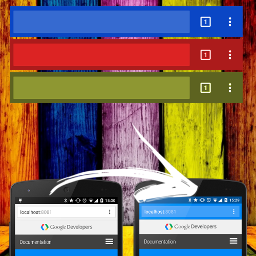
Browser Theme Color
Browser Screenshots

Polylang – Country Detection

WP BrowserUpdate


About
Plugin for that tries to help you find the WordPress plugin you are looking for.
| Please enjoy an image of Crush (this awesome turtle) and have a lovely day! |  |
We do not own any plugin listed on this site and do not work for or work with WordPress.com or it's associated companies. We simply provide a searchable list of the available WordPress plugins.