


WP Post Navigation
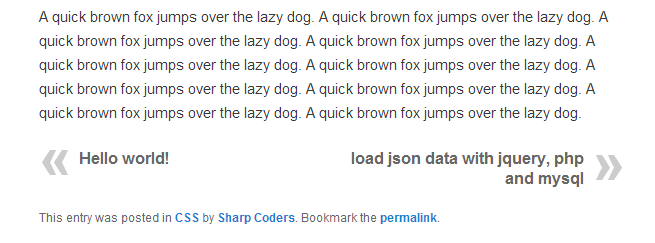
WP Post Navigation Plugin gives you facility to show Previous and Next Post Links at the Top or Bottom of a Post.
You can set to navigate within category or date wise navigation. You’ve the option to set Post Navigation Bar at Bottom, Top or both Top & Bottom.
You can apply CSS style to Previous and Next Post Links. You can set custom text instead of Next and Previous Post Titles.
You can set custom Image for Next and Previous Post Links.
Manually Place Post Navigation in single.php, just Copy & paste following code anywhere in single.php page under get_header();
<?php echo isset( $WPPostNavigation ) ? $WPPostNavigation->WP_Custom_Post_Navigation():”; ?>
For Help visit: http://sharp-coders.com/wp-post-navigation/
Details


Related plugins
Plugins that also contain the tag next-and-previous-post
Post Paging


About
Plugin for that tries to help you find the WordPress plugin you are looking for.
| Please enjoy an image of Crush (this awesome turtle) and have a lovely day! |  |
We do not own any plugin listed on this site and do not work for or work with WordPress.com or it's associated companies. We simply provide a searchable list of the available WordPress plugins.