

WP Responsive Timeline
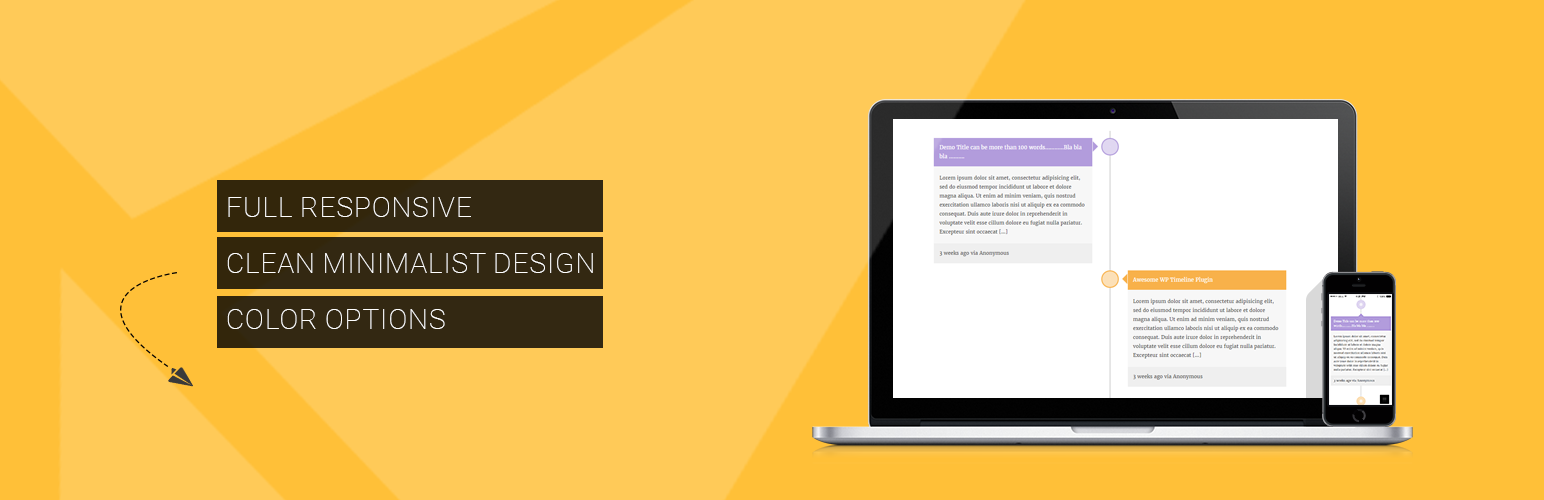
WP Responsive Timeline is a plugin which takes a simple, extendable approach to display responsive timeline posts on your WordPress powered website. You have to simply create the ‘timeline’ posts, set the timeline color attribute on the right sidebar and publish. The timeline will populate automatically in chronological order, based on the announcement date.
With version 2.0, a shortcode is introduced using which you can show any post types in timeline format.
To use shortcode add:
[wp_timeline_post]
The attributes used here is derived from WP_Query arguments . So you can use any arguments used there as an attributes.
For example, if I want to get the posts with post types “music”, I will insert shortcode as:
[wp_timeline_post post_type=music]
Some of the features of WP Timeline:
- Full responsive
- Clean minimalist design
- Color options
- Shortcode powered
Details

About
Plugin for that tries to help you find the WordPress plugin you are looking for.
| Please enjoy an image of Crush (this awesome turtle) and have a lovely day! |  |
We do not own any plugin listed on this site and do not work for or work with WordPress.com or it's associated companies. We simply provide a searchable list of the available WordPress plugins.