


This plugin is outdated and might not be supported anymore
Back

WP-Stats
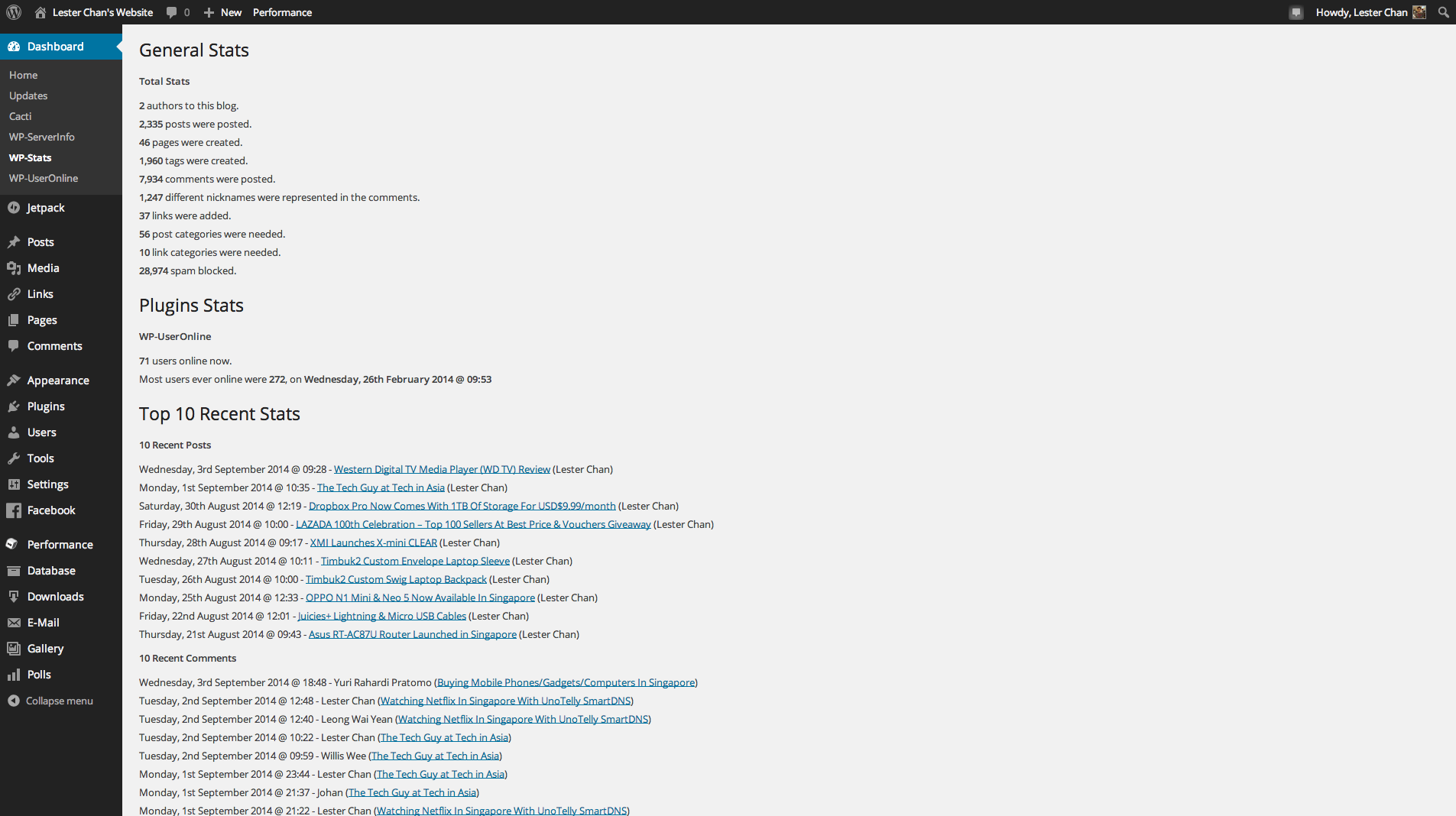
Details
View on WordPress
Back
Usage (Create Stats Page)
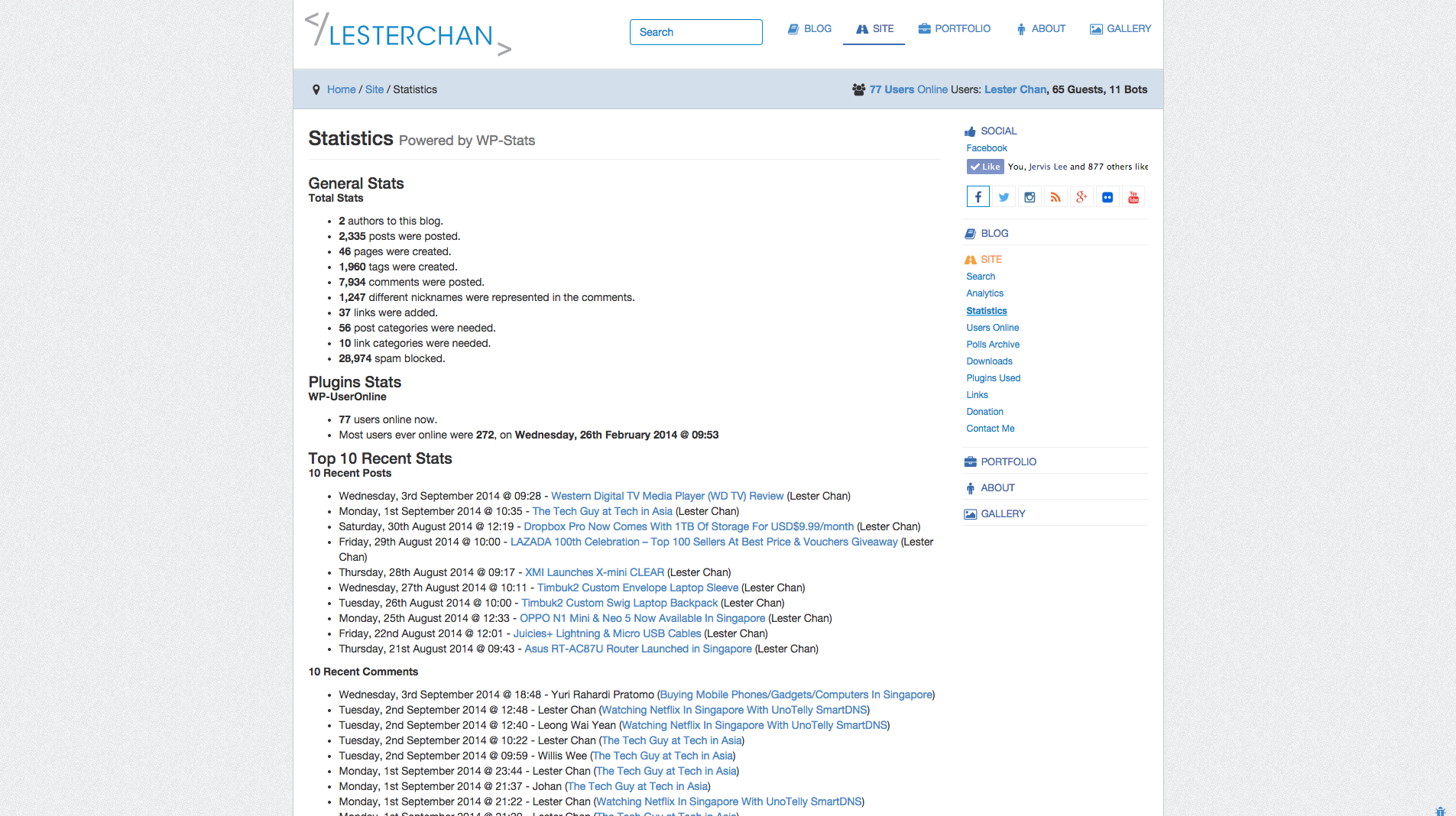
- Go to ‘WP-Admin -> Pages -> Add New’
- Type any title you like in the page’s title area
- If you ARE using nice permalinks, after typing the title, WordPress will generate the permalink to the page. You will see an ‘Edit’ link just beside the permalink.
- Click ‘Edit’ and type in ‘stats’ in the text field (without the quotes) and click ‘Save’.
- Type
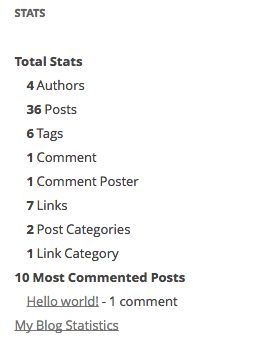
[page_stats]in the page’s content area - Click ‘Publish’
- If you ARE NOT using nice permalinks, you need to go to
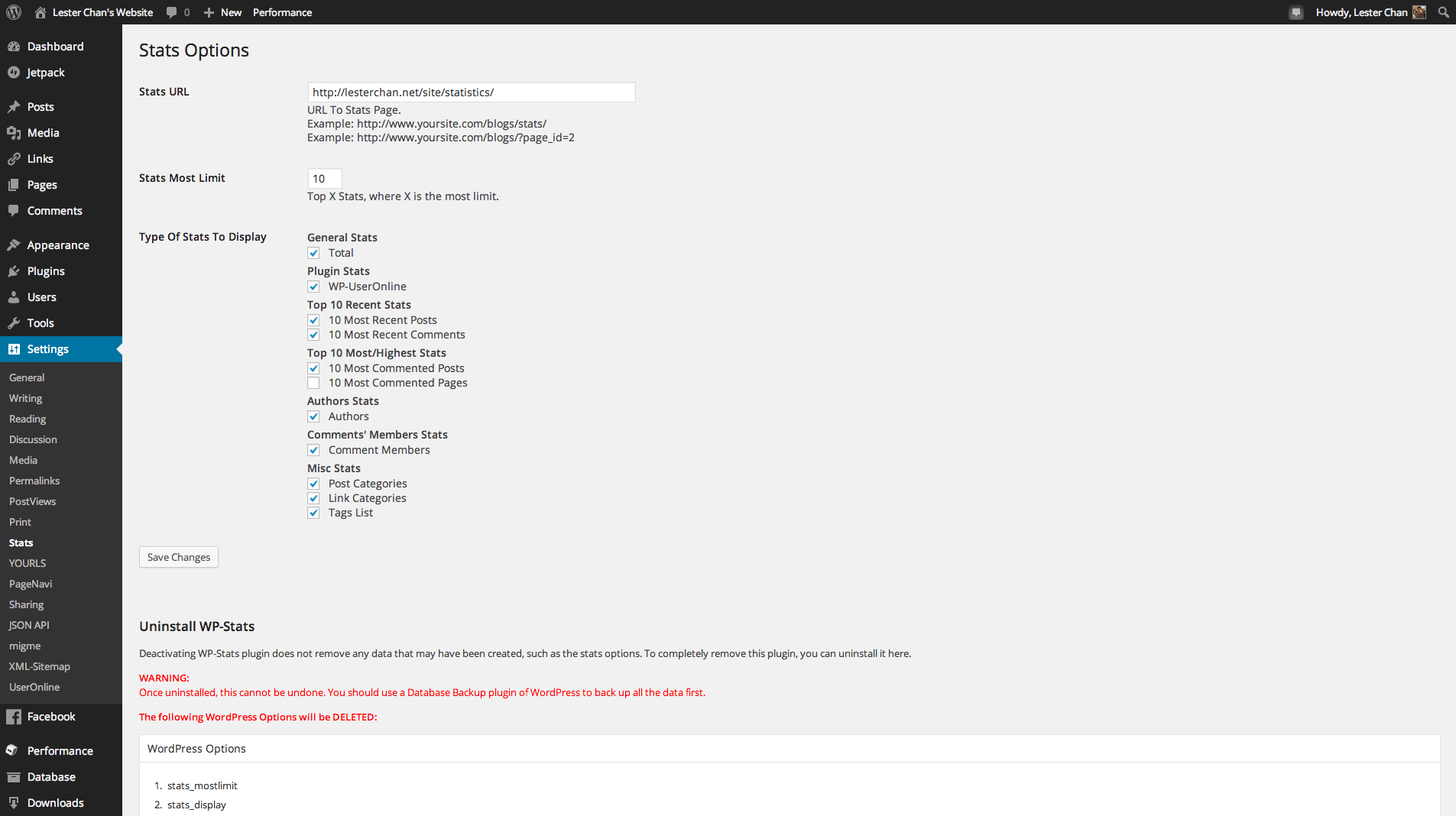
WP-Admin -> Settings -> Statsand under ‘Stats URL’, you need to fill in the URL to the Stats Page you created above.
Usage (With Widget)
- Go to
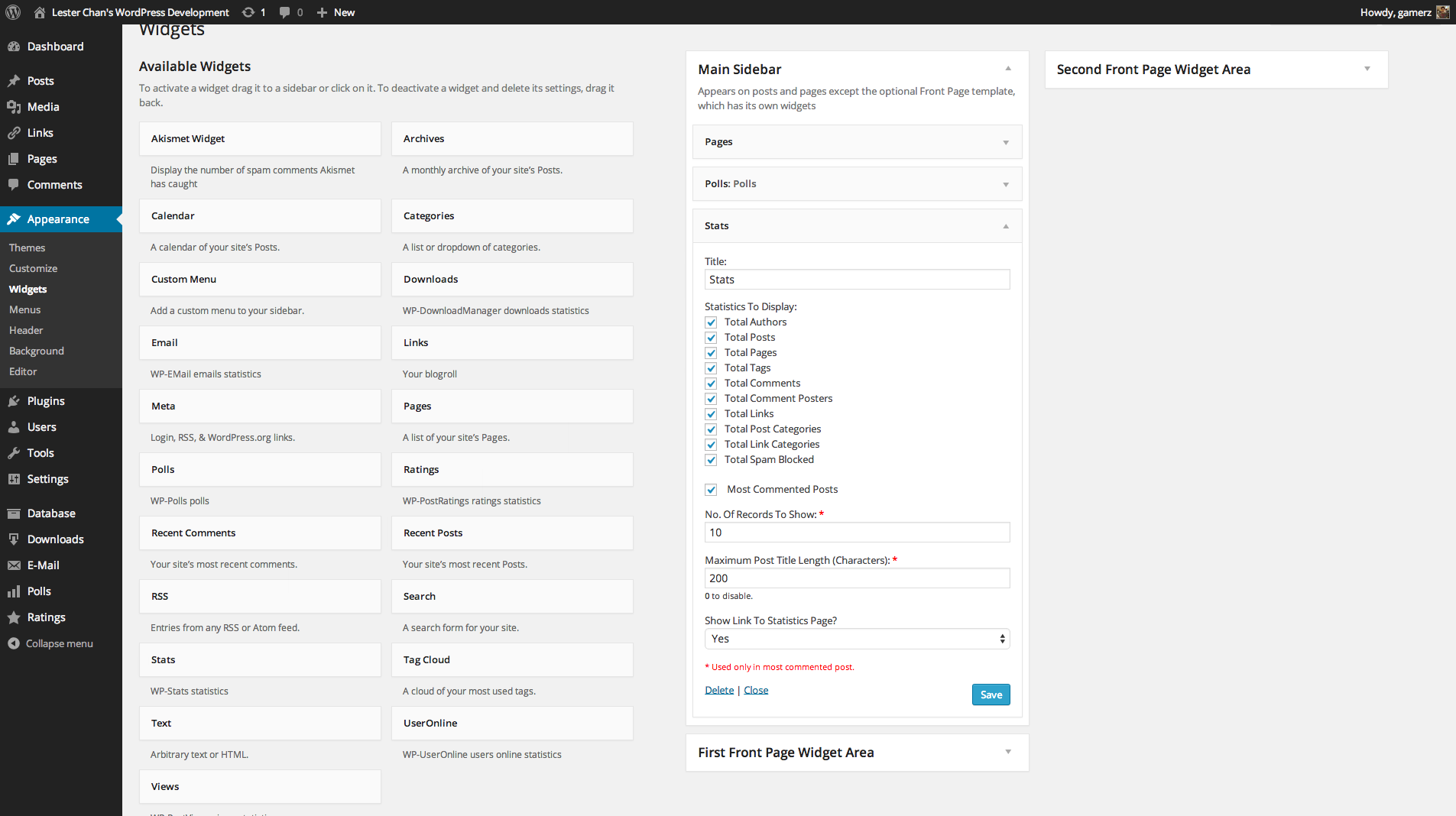
WP-Admin -> Appearance -> Widgets - The widget name is
Stats.
Build Status
Development
https://github.com/lesterchan/wp-stats
Translations
http://dev.wp-plugins.org/browser/wp-stats/i18n/
Credits
- Plugin icon by SimpleIcon from Flaticon
Donations
I spent most of my free time creating, updating, maintaining and supporting these plugins, if you really love my plugins and could spare me a couple of bucks, I will really appreciate it. If not feel free to use it without any obligations.
Details
Plugin code:
wp-stats
Plugin version:
2.56
Author:
Outdated:
Yes
WP version:
5.5 or higher
PHP version:
or higher
Test up to WP version:
6.2.6
Total installations:
3,000
Last updated:
2023-08-09
Rating:
Times rated:
7
stat
statistics
stats
wp-stats
wp-stat
Related plugins
Plugins that also contain the tag stat
Статистика сайта по счетчику LiveInternet.ru

User Login Statistics

Top Post

SiteStats

Clear StatPress

Whos Among Us – whos.amung.us


About
Plugin for that tries to help you find the WordPress plugin you are looking for.
| Please enjoy an image of Crush (this awesome turtle) and have a lovely day! |  |
We do not own any plugin listed on this site and do not work for or work with WordPress.com or it's associated companies. We simply provide a searchable list of the available WordPress plugins.