

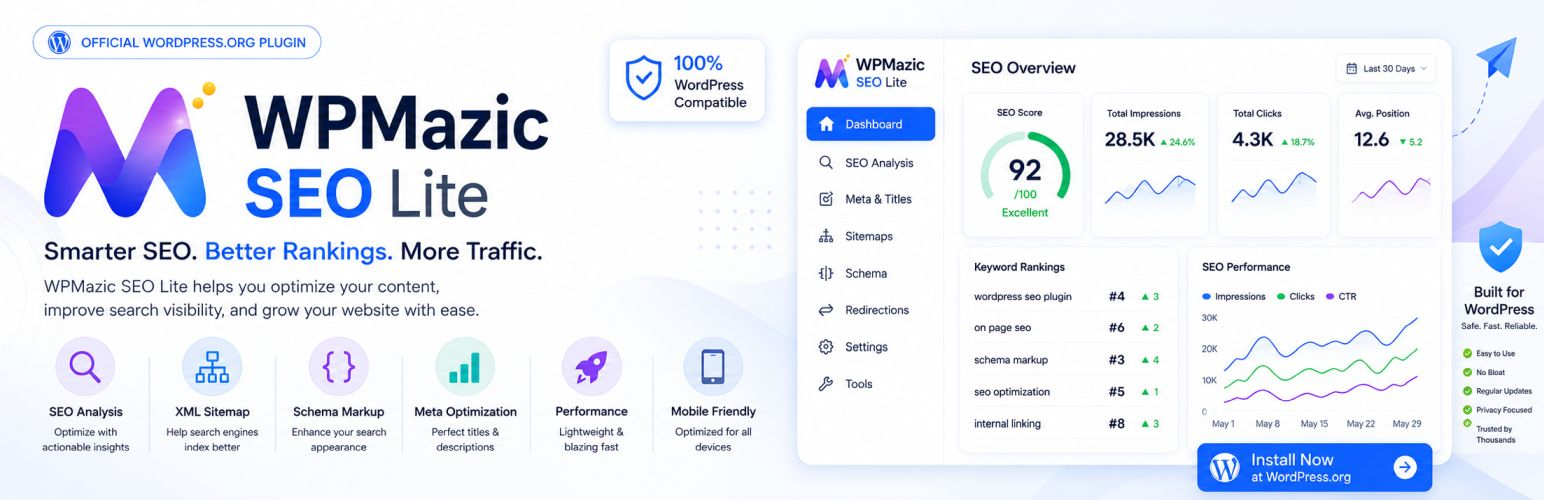

WPMazic SEO Lite
WPMazic SEO Lite helps you launch SEO fundamentals quickly.
Included Free Features
- Setup wizard + 1-click migration from Yoast, Rank Math, and AIOSEO
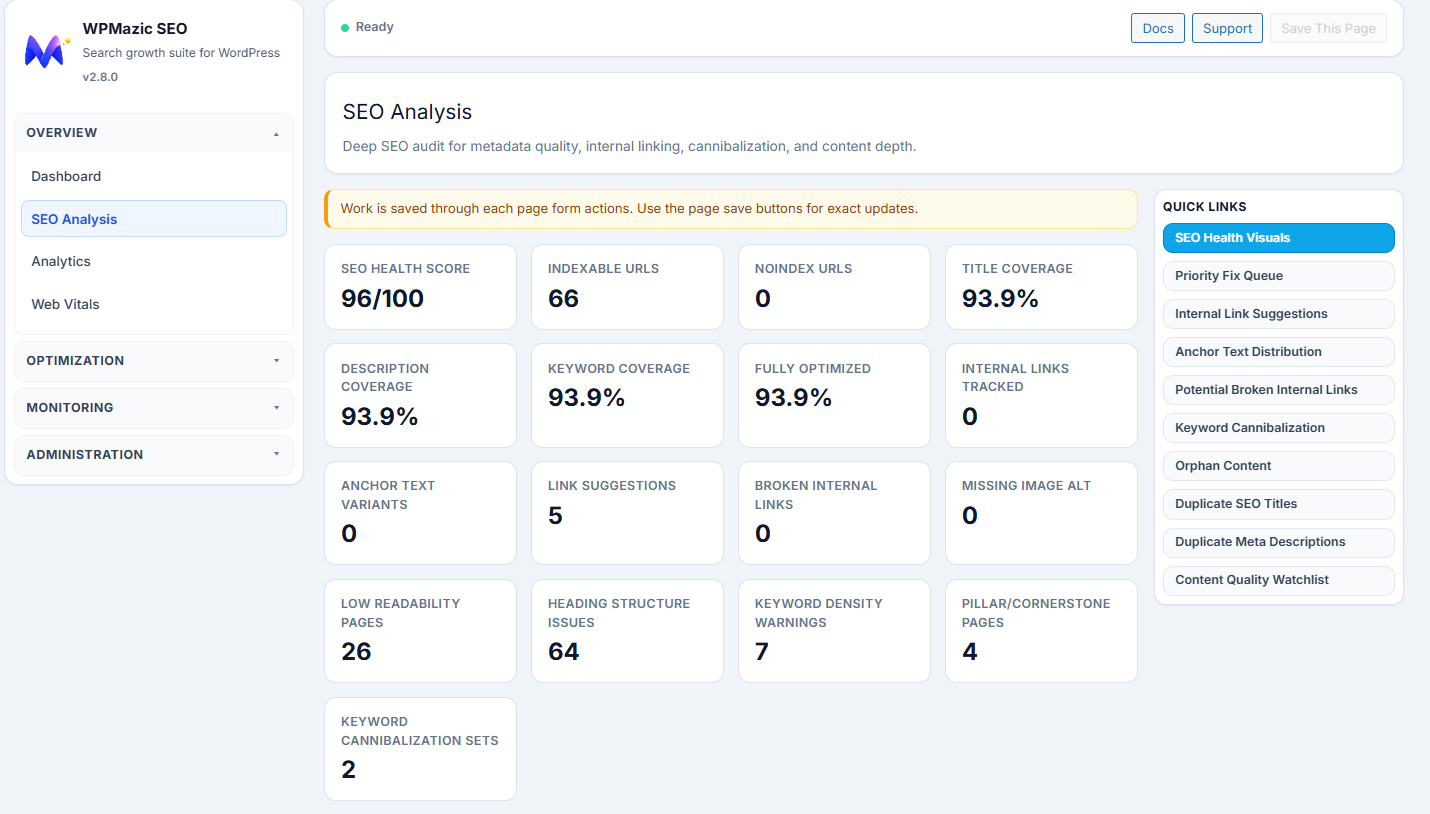
- SEO title/meta controls with snippet preview for posts, pages, and custom post types
- Focus keyword analysis and per-post SEO controls
- XML sitemap plus image sitemap support
- Schema output for common content types including Article, FAQ, Product, and LocalBusiness
- Open Graph, Twitter Cards, dynamic OG image fallback, and author SEO enhancements
- Redirect manager, 404 monitor, and auto slug redirect
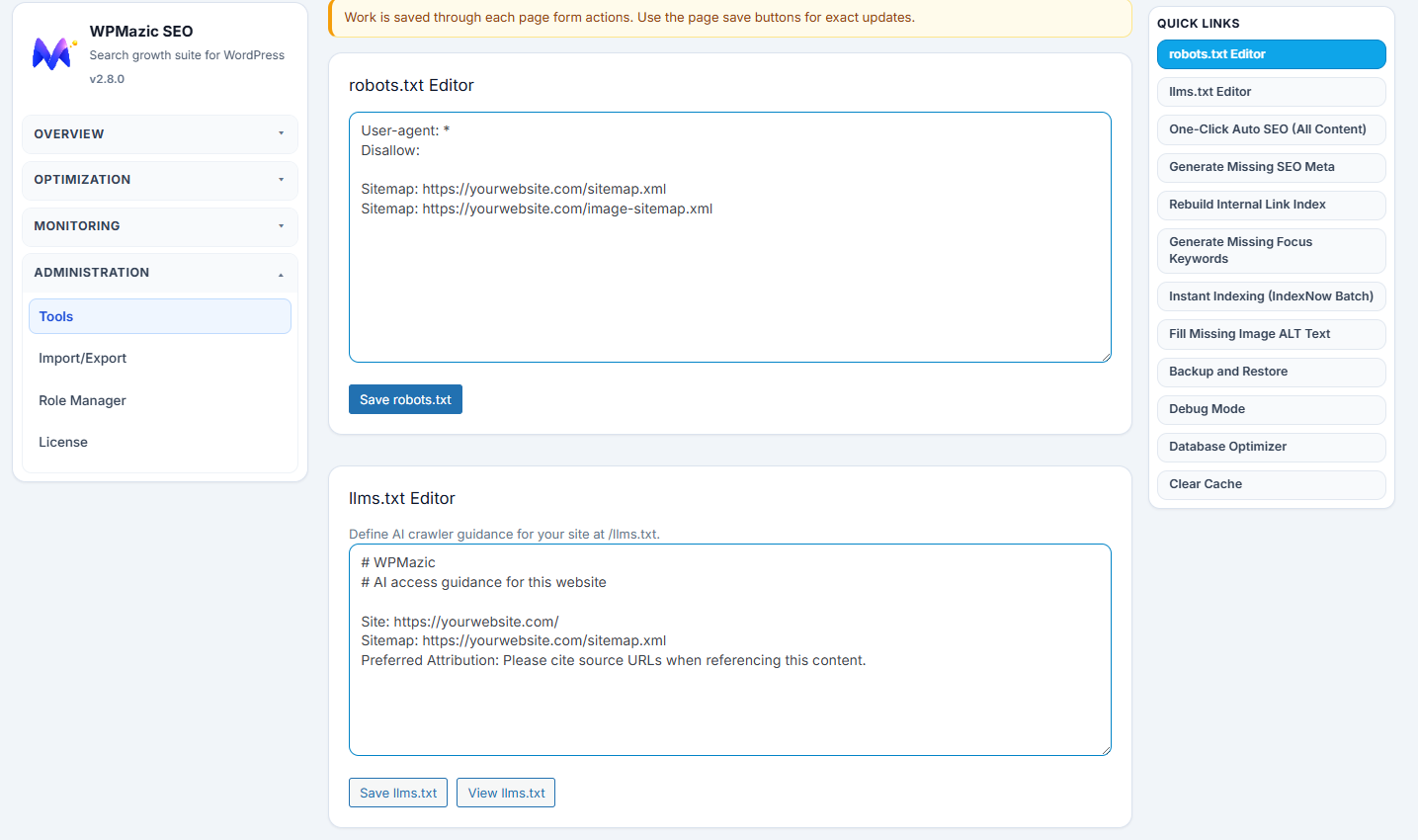
- Search engine verification tags, robots.txt editor, llms.txt editor, and IndexNow
- Bulk editor, migration wizard, local SEO, breadcrumbs, image SEO, and internal link tools
External services
WPMazic SEO Lite does not send tracking data or make external service requests by default. External services are used only after the site owner enables the related setting or runs the related admin tool.
- Google Analytics 4 / Google tag (
www.googletagmanager.com): used to add Google Analytics 4 tracking to the public frontend. Data is sent only when the site owner enters a GA4 Measurement ID and enables “GA4 Frontend Tracking” in the plugin settings. When enabled, the plugin loads Google’sgtag.jsscript in frontend page source. Google receives the configured Measurement ID, the visitor’s page URL, and standard browser/request data needed to deliver analytics. This feature is off by default.
Terms: https://policies.google.com/terms
Privacy: https://policies.google.com/privacy - IndexNow (
api.indexnow.org): used to notify participating search engines when site URLs are published or updated. Data is sent only when the site owner enables IndexNow in the plugin settings, or when an administrator manually runs the IndexNow batch submission tool after IndexNow is enabled. The plugin sends the site host, the submitted URL or URLs, the configured IndexNow key, and the key location URL tohttps://api.indexnow.org/indexnow. This feature is off by default.
Documentation: https://www.indexnow.org/documentation
Terms: https://www.indexnow.org/terms
Privacy: https://www.indexnow.org/terms
Privacy
WPMazic SEO Lite stores plugin settings in your WordPress database.
If the 404 Monitor feature is enabled, the plugin also stores the requested 404 URL, the referring URL when available, the hit count, and the last-hit timestamp for logged 404 events.
If you enable features that connect to external services (see the “External services” section), your site may send data to those services as described there.
Support
Support is handled through the plugin support forum:
https://wordpress.org/support/plugin/wpmazic-seo-lite/
Details
Related plugins
Plugins that also contain the tag open-graph
The SEO Framework – Fast, Automated, Effortless.

Meta Tag Manager

Open Graph and Twitter Card Tags

Open Graphite

OG Tags

Branded Social Images – Open Graph Images with logo and extra text layer


About
Plugin for that tries to help you find the WordPress plugin you are looking for.
| Please enjoy an image of Crush (this awesome turtle) and have a lovely day! |  |
We do not own any plugin listed on this site and do not work for or work with WordPress.com or it's associated companies. We simply provide a searchable list of the available WordPress plugins.