


Back

WPvivid Backup for MainWP
Details
View on WordPress
Back
WPvivid Backup for MainWP enables you to create and download backups of a specific child site, set backup schedules, set WPvivid Backup Plugin settings for all of your child sites directly from your MainWP dashboard.
WPvivid Backup Pro Supported
The extension now also supports WPvivid Backup Pro:
- Install, claim and update WPvivid Backup Pro for child site in bulk.
- Set up remote storage for child sites in bulk.
- Install WPvivid Image Optimization Plugin in child sites in bulk.
Features
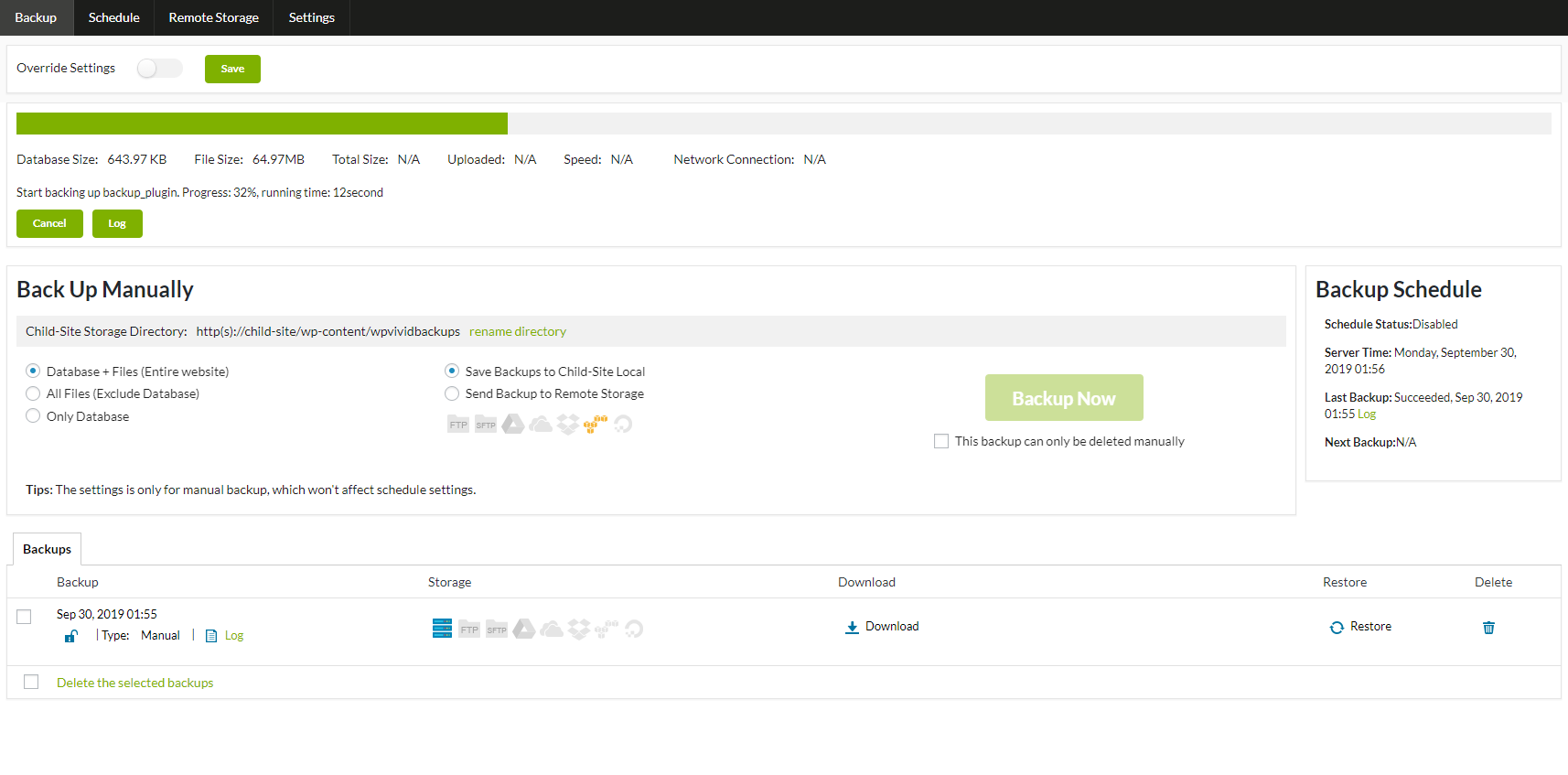
- Create backups for a specific child site
- Download backups of a specific child site to local
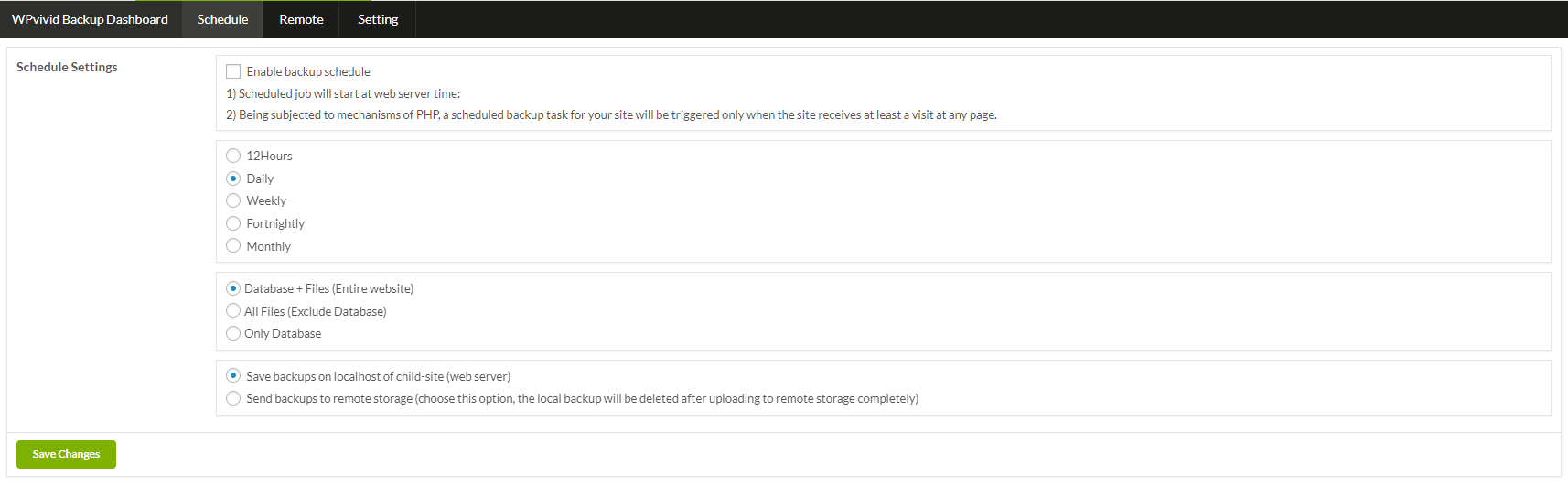
- Set backup schedules for child sites
- Set WPvivid Backup Free and Pro settings for child sites
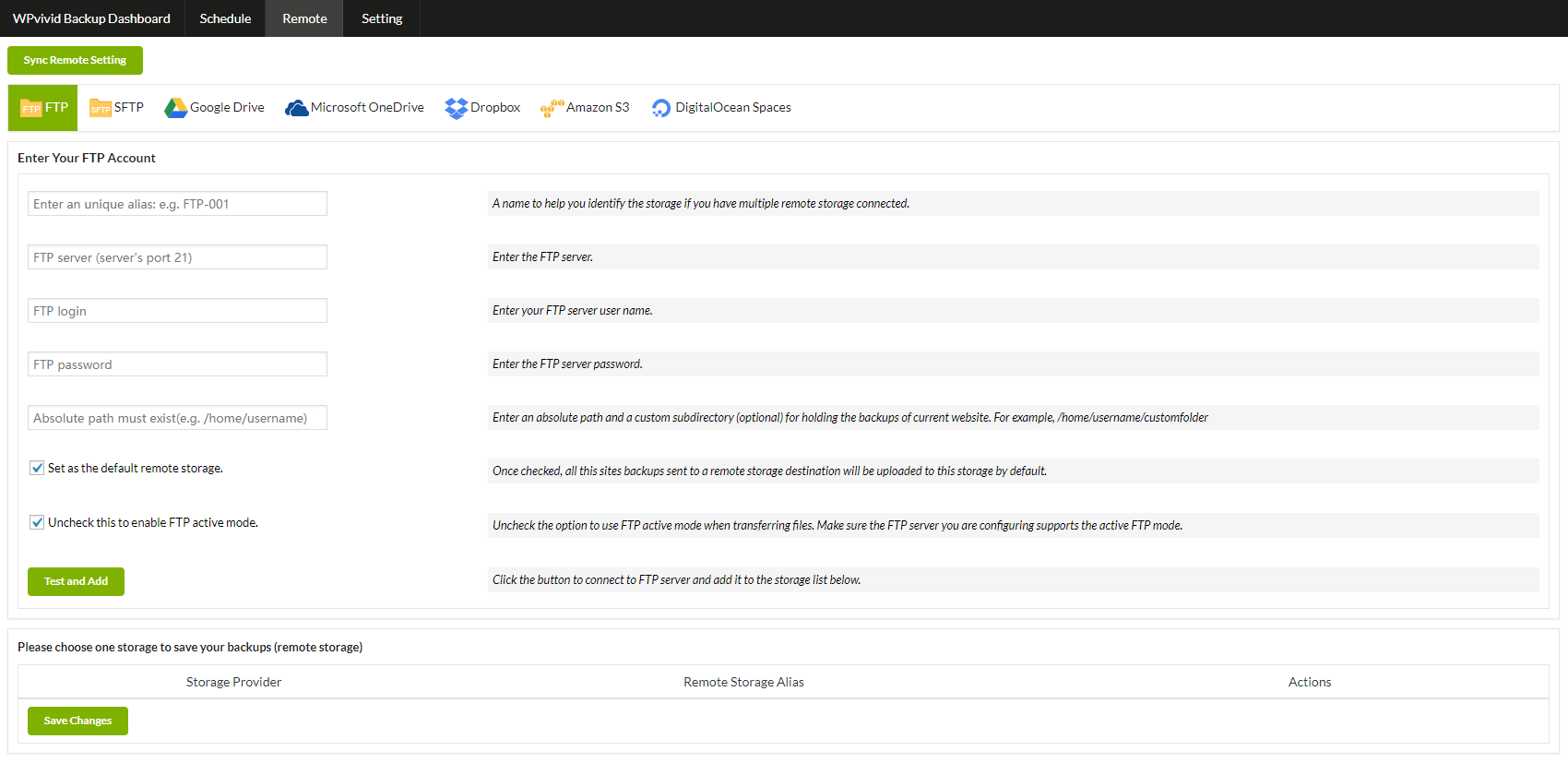
- Set up remote storage for child sites with WPvivid Backup Pro
- Install, claim and update WPvivid Backup Pro for child sites
- Set up incremental backups for child sites
- Set up white label for child sites
- Select and hide WPvivid modules on child sites
Minimum Requirements
- MainWP Dashboard 4.0.3 or later
- MainWP Child Requirement: 4.0.2 or later
Installation and Setup
See the get started guide.
Note:
- Install WPVivid Backup for MainWP on MainWP site ONLY.
- Install WPVivid Backup Plugin (not MainWP) on each child site.
Details
Plugin code:
wpvivid-backup-mainwp
Plugin version:
0.9.40
Author:
Outdated:
No
WP version:
4.5 or higher
PHP version:
5.3 or higher
Test up to WP version:
6.9
Total installations:
10,000
Last updated:
2026-01-07
Rating:
Times rated:
9
auto-backup
backup
cloud-backup
mainwp-extension
wpvivid-backup

Related plugins
Plugins that also contain the tag auto-backup
Accu Auto Backup

Auto Backup Before Update


About
Plugin for that tries to help you find the WordPress plugin you are looking for.
| Please enjoy an image of Crush (this awesome turtle) and have a lovely day! |  |
We do not own any plugin listed on this site and do not work for or work with WordPress.com or it's associated companies. We simply provide a searchable list of the available WordPress plugins.