

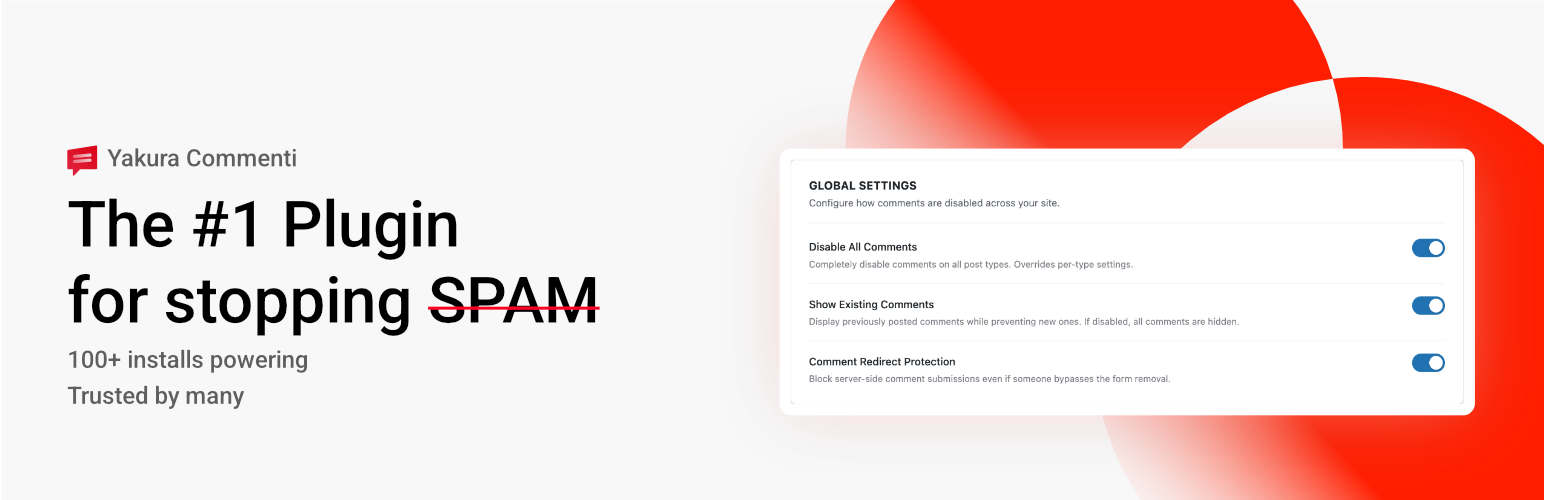

Yakura Commenti – Disable & Remove Comments
Yakura Commenti lets you disable comments across your entire WordPress site with one click, or selectively remove comments on specific post types. Hide comment forms, delete existing comments in bulk, stop spam, and clean up your admin — with full multisite network support and WP-CLI commands.
Why Yakura Commenti?
WordPress’s built-in Discussion settings only scratch the surface. They let you close comments on future posts, but existing posts stay open, comment menus clutter the admin, REST API endpoints remain exposed, and pingback headers keep broadcasting. Yakura Commenti closes every door — front end, back end, feeds, APIs — while giving you fine-grained control over what stays open.
- One click vs. granular — Disable everything at once, or choose exactly which post types to affect
- Per-post overrides — Keep comments open on specific posts even when disabled globally
- Safe by default — Disabling comments never deletes anything. Deletion is a separate, intentional action
- Developer-friendly — 16+ filters, 7+ actions, 8 WP-CLI commands, and a REST API for full programmatic control
Features
- Disable All or Per Post Type — One toggle to disable comments everywhere, or select specific post types
- Per-Post Override — Enable or disable comments on individual posts via a meta box
- Show Existing Comments — Optionally keep displaying previously posted comments while blocking new ones
- Admin Cleanup — Remove the Comments menu, admin bar item, dashboard widgets, and block editor comment blocks
- REST API Blocking — Remove
/wp/v2/commentsendpoints and block comment requests - XML-RPC Blocking — Remove all comment-related XML-RPC methods
- Feed & Pingback Removal — Remove comment RSS feeds, X-Pingback headers, and pingback XML-RPC methods
- Avatar & Gravatar Control — Disable avatar display and block external Gravatar requests for privacy
- Comment Type Whitelisting — Allow specific comment types like WooCommerce order notes or WP 6.9 Notes to bypass disabling
- User Role Exclusions — Exempt specific user roles from comment restrictions
- Scheduled Disable — Automatically close comments on posts older than a set number of days via WP-Cron
- Bulk Comment Deletion — Delete comments by post type, comment type, or status with a statistics preview before you commit
- Import/Export Settings — Transfer your configuration between sites via JSON files
- Activity Log — Full audit trail of every settings change, import, and bulk deletion
- Setup Wizard — Three-step first-run wizard to configure your site in under a minute
- Multisite Support — Network activation with network-wide settings and per-subsite management
- WP-CLI Commands — 8 commands for status, settings, deletion, stats, export, import, log, and reset
- Custom REST API —
yakura-commenti/v1/endpoints for reading and updating settings programmatically
For Developers
Yakura Commenti exposes 16+ filters and 7+ actions at every decision point — override whether a post type is disabled, modify settings before save, react after bulk deletions, filter REST endpoints, and more. All hooks are prefixed with yakura_commenti_.
WP-CLI: wp yakura-commenti status|settings|delete|stats|export|import|log|reset.
REST API: GET/POST /yakura-commenti/v1/settings, GET /yakura-commenti/v1/status (requires manage_options).
Requirements
- WordPress 5.9 or later
- PHP 7.4 or later
Details


Related plugins
Plugins that also contain the tag delete-comments
Disable Comments – Remove Comments & Stop Spam [Multi-Site Support]
![Disable Comments – Remove Comments & Stop Spam [Multi-Site Support]](https://www.pluginforthat.com/plugin-icons/disable-comments-Tub1jULXEl.png "Disable Comments – Remove Comments & Stop Spam [Multi-Site Support]")
WP Comment Cleaner – Delete All Comments, Disable Comments, Bulk Delete & Remove Comments

Bulk Delete Comments

Spam Comments Cleaner

CRUDLab Disable Comments

Bulk Comments Management


About
Plugin for that tries to help you find the WordPress plugin you are looking for.
| Please enjoy an image of Crush (this awesome turtle) and have a lovely day! |  |
We do not own any plugin listed on this site and do not work for or work with WordPress.com or it's associated companies. We simply provide a searchable list of the available WordPress plugins.