



yuiami.jp Suite Form
Suite Form is a mail form plugin designed for Japanese business websites.
- Visual form builder — no HTML knowledge required to add fields or edit mail templates
- Route the admin notification to different recipients and Cc depending on the option the visitor selects in a select or radio field
- Show a field only when a specific option is selected in a select, radio, or checkbox field. A hidden field is not required, and its value is not sent
- Test sending: while it is on, the admin notification for your own submissions goes only to you, with the usual recipients listed in the body, and visitors’ submissions are not affected
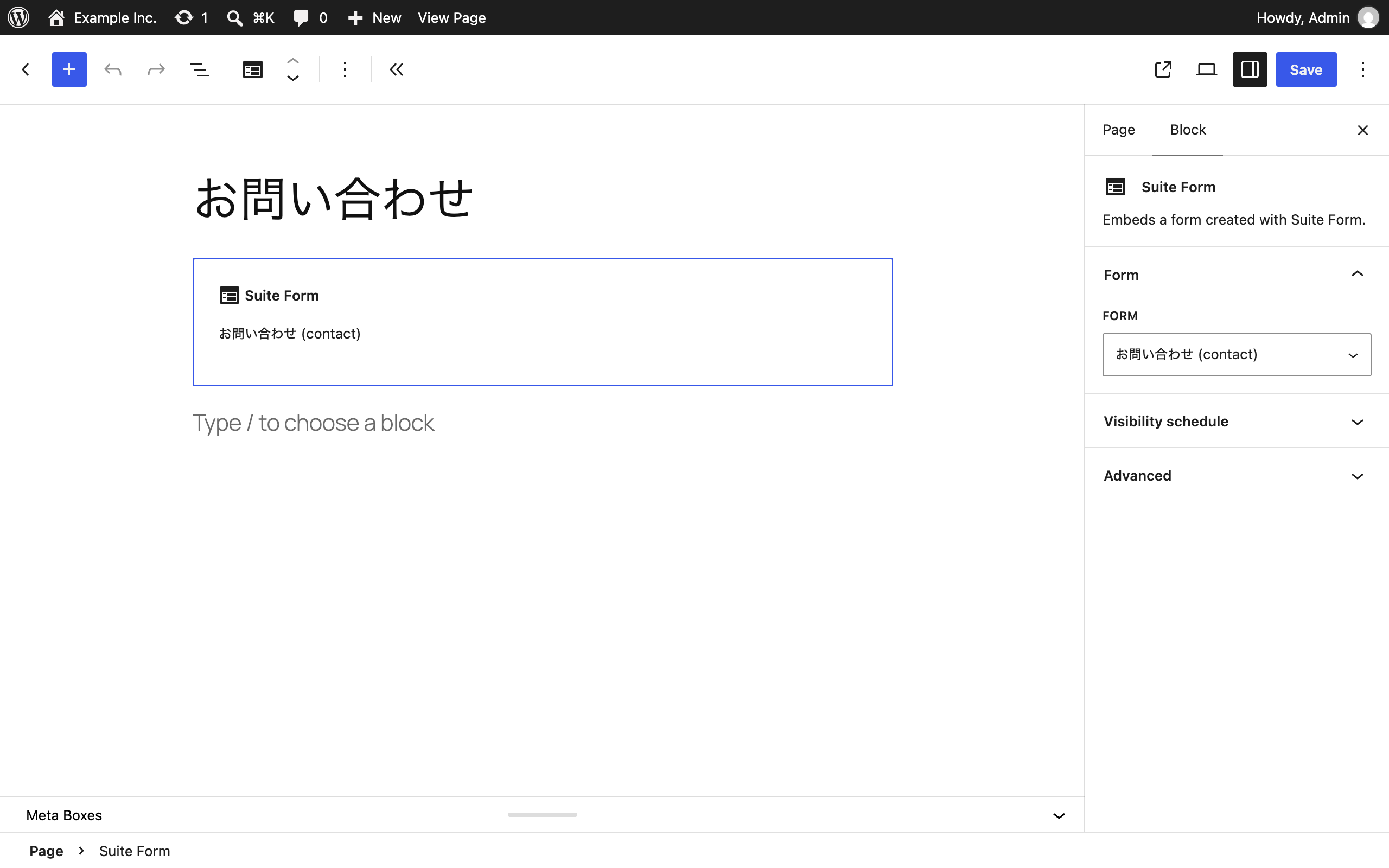
- Gutenberg blocks — pick a form from a dropdown, no shortcode typing
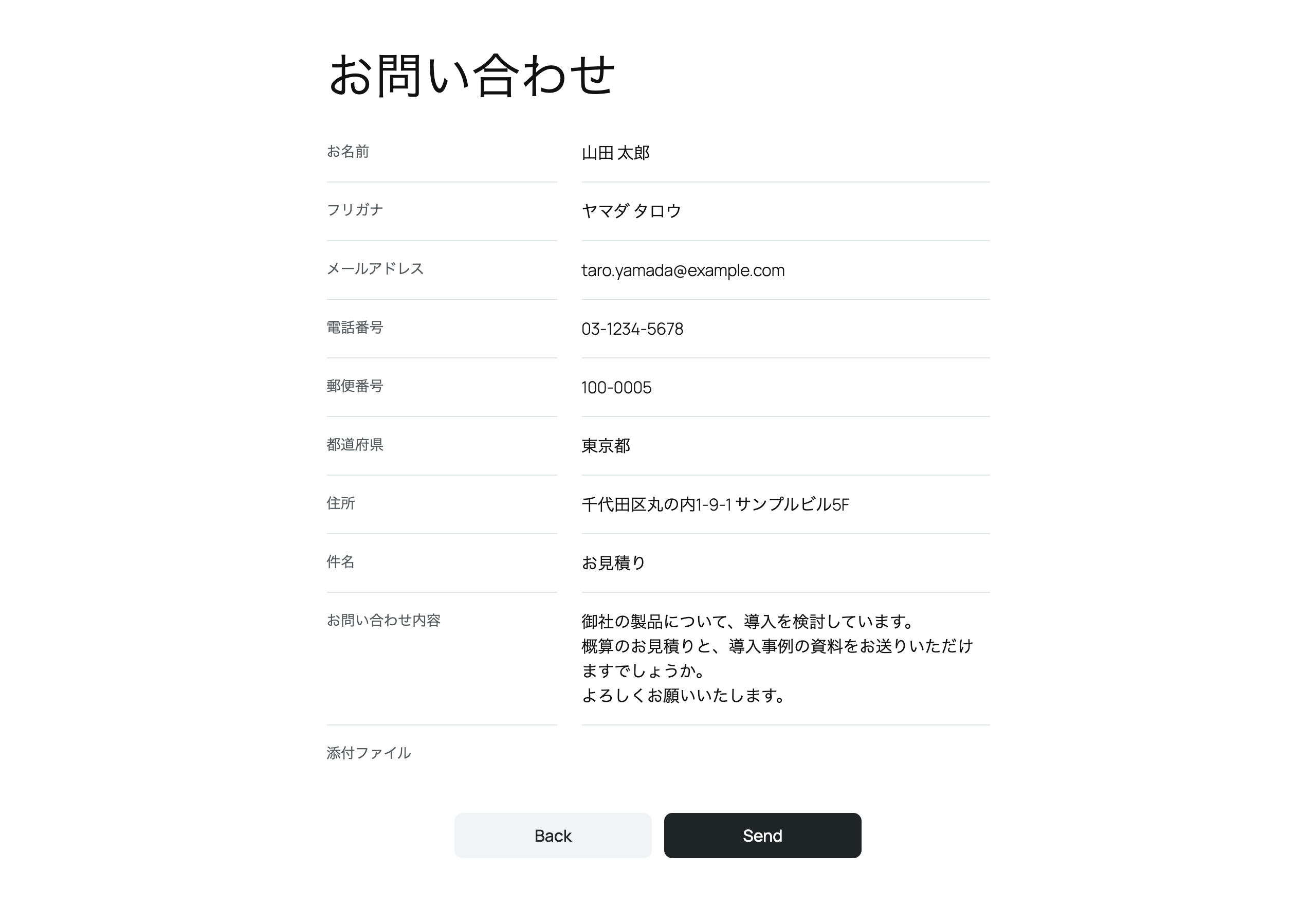
- Confirmation screen and thank-you page with its own URL (trackable in analytics)
- Postal code to address autofill without any external API — the postal code data ships with the plugin
- Prefecture select field, katakana/hiragana validation, and automatic input normalization (full-width to half-width, half-width kana to full-width)
- Form definitions live in the WordPress database and can be exported and imported as JSON to reuse them across sites
- Import forms from MW WP Form: fields, validation rules, mail settings, and the confirmation and complete screens are converted, and a report shows everything that could not be carried over before anything is created
- Import forms from Contact Form 7: form-tags, mail settings, the
[confirm]button of the Contact Form 7 add confirm plugin, and the redirect ofon_sent_okare converted, with the same report - Submissions are stored as files in a protected directory, never in the database
- File attachments with MIME inspection
- reCAPTCHA v3 support
- Works on typical Japanese shared hosting (XSERVER, lolipop, and others)
External Services
This plugin can optionally connect to Google reCAPTCHA v3 to help protect your forms from spam. It only connects to Google if the site owner enables reCAPTCHA by entering a site key and a secret key under Suite Form > Settings. Both keys are required: once both are set, reCAPTCHA is active on every form, and you can turn it off for an individual form from the Form Settings tab of the form builder. If either key is empty, reCAPTCHA is disabled and the plugin makes no external requests at all.
When reCAPTCHA is enabled:
- Every page that displays a Suite Form form with reCAPTCHA turned on loads Google’s reCAPTCHA API script (
https://www.google.com/recaptcha/api.js). - When a visitor submits a form, the plugin sends the visitor’s IP address and a reCAPTCHA verification token to Google’s siteverify endpoint (
https://www.google.com/recaptcha/api/siteverify) to confirm the submission was not made by a bot.
This service is provided by Google LLC. See Google Privacy Policy and Google Terms of Service for more information.
Details



Related plugins
Plugins that also contain the tag confirmation
Gravity Pre-submission Confirmation

Publish Confirm Message
Publish Confirmation

Trash Fail Safe

Are You Sure

MultiSite New User, No Confirmation


About
Plugin for that tries to help you find the WordPress plugin you are looking for.
| Please enjoy an image of Crush (this awesome turtle) and have a lovely day! |  |
We do not own any plugin listed on this site and do not work for or work with WordPress.com or it's associated companies. We simply provide a searchable list of the available WordPress plugins.